Microscope brandTested and compatible
G-Scope Desktop for AmScope
AmScope MD-series cameras are explicitly UVC and work as webcams on Windows, macOS and Linux. G-Scope Desktop turns that feed into a full microscopy workflow, calibrated measurement, annotation and reporting included.
At a glance
Status
Tested and compatible
Tested models
MD500A (5MP), MD830A (high-resolution)
Calibration
Manual wizard per objective
Audience
Education, laboratories, conventional microscopes
Models
MD500A; MD830A
App version
v2.6.3
Operating systems
Windows / macOS / Linux
What you get
Your compound microscope, digitized properly
Attach an MD-series eyepiece camera, and the app gives you live view, capture, calibration and measurement, no vendor utility needed.
Calibrate per objective
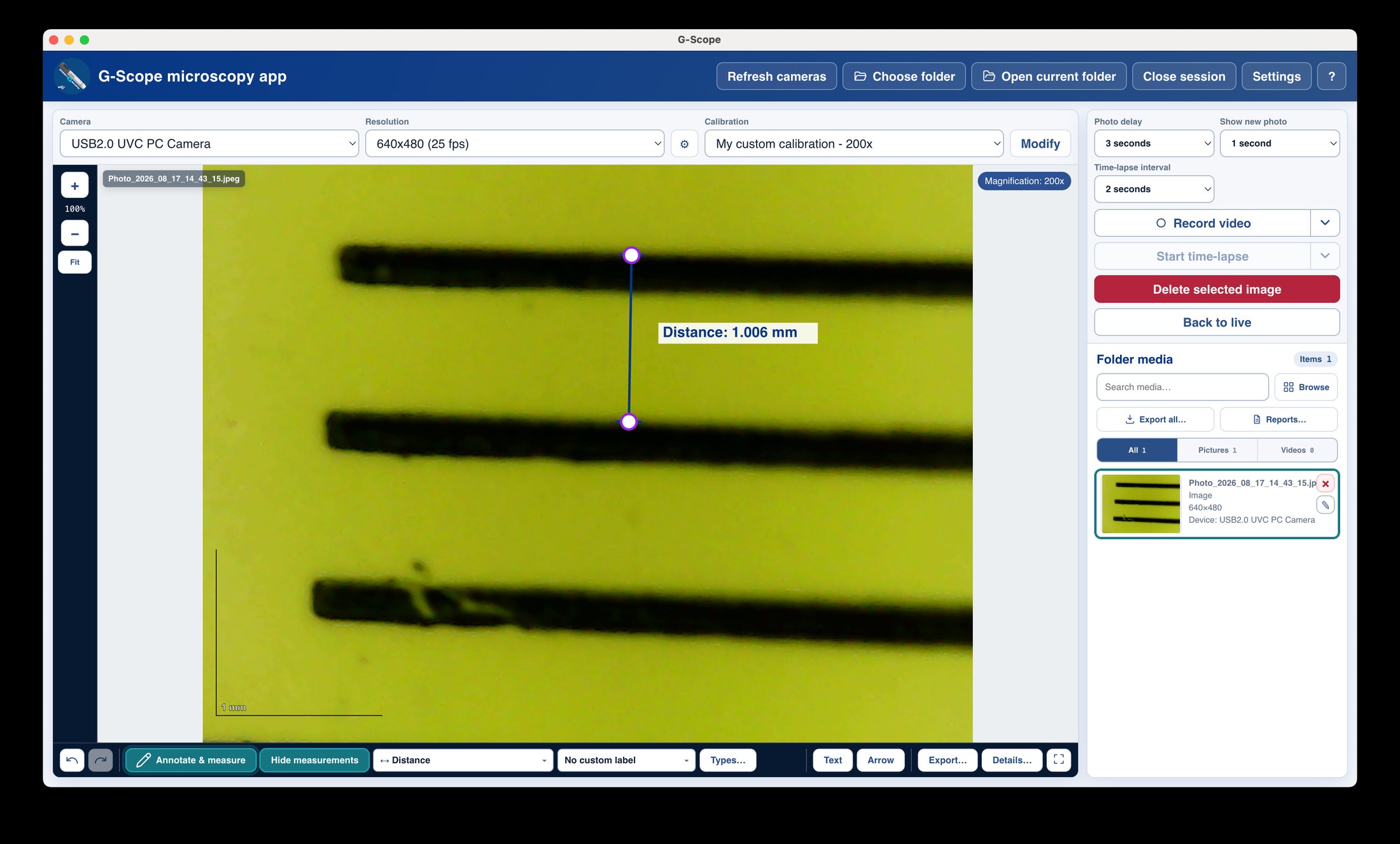
Each objective has its own calibration profile, so switching 4×/10×/40× never invalidates your measurements.
Teaching-friendly workflow
Best-moment capture, full-screen view, annotations and PDF/PowerPoint reports make classroom and lab documentation easy.
Free and current
Free downloads for Windows, macOS and Linux with active development.
AmScope: bundled software vs G-Scope Desktop
| ✕Bundled capture utility per camera family | One app across the MD-series and any other UVC camera |
| ✕Measurement tools missing or per-utility | Calibration profiles per objective and real-unit measurement |
| ✕Windows-only tooling in many bundles | Windows, macOS and Linux builds |
Limitations & expectations
- Non-MD AmScope camera families need individual verification.
- Camera controls depend on the driver.
Frequently asked questions
Which AmScope cameras are supported?
MD-series UVC cameras (MD500A and MD830A) are tested and work. Other AmScope camera families may use different drivers or SDKs and require individual verification. They are listed here as they are tested.
Does it work with my microscope's objectives?
Yes: calibration is saved per camera, resolution and magnification, so each objective can have its own profile.
Is this the official AmScope software?
No. G-Scope Desktop is an independent application, not affiliated with AmScope.
G-Scope Desktop is an independent application, not affiliated with the brand of your microscope.