Microscope brandTested and compatible
G-Scope Desktop for Bysameyee
Bysameyee's wired microscopes install automatically as standard UVC webcams, and its own documentation points users to four different programs. G-Scope Desktop replaces that stack with one free app for viewing, capture, calibration and measurement.
At a glance
Status
Tested and compatible
Tested model
Wired 40–1000× USB model
Calibration
Manual wizard
Snapshot button
Usually works; zoom button behavior varies
Models
Wired 40–1000× USB model
App version
v2.6.3
Operating systems
Windows / macOS / Linux
What you get
One app instead of four recommendations
Viewing, snapshots, zoom and measurement all live in G-Scope Desktop, no more choosing between Windows Camera, Xploview, AMCap or CoolingTech.
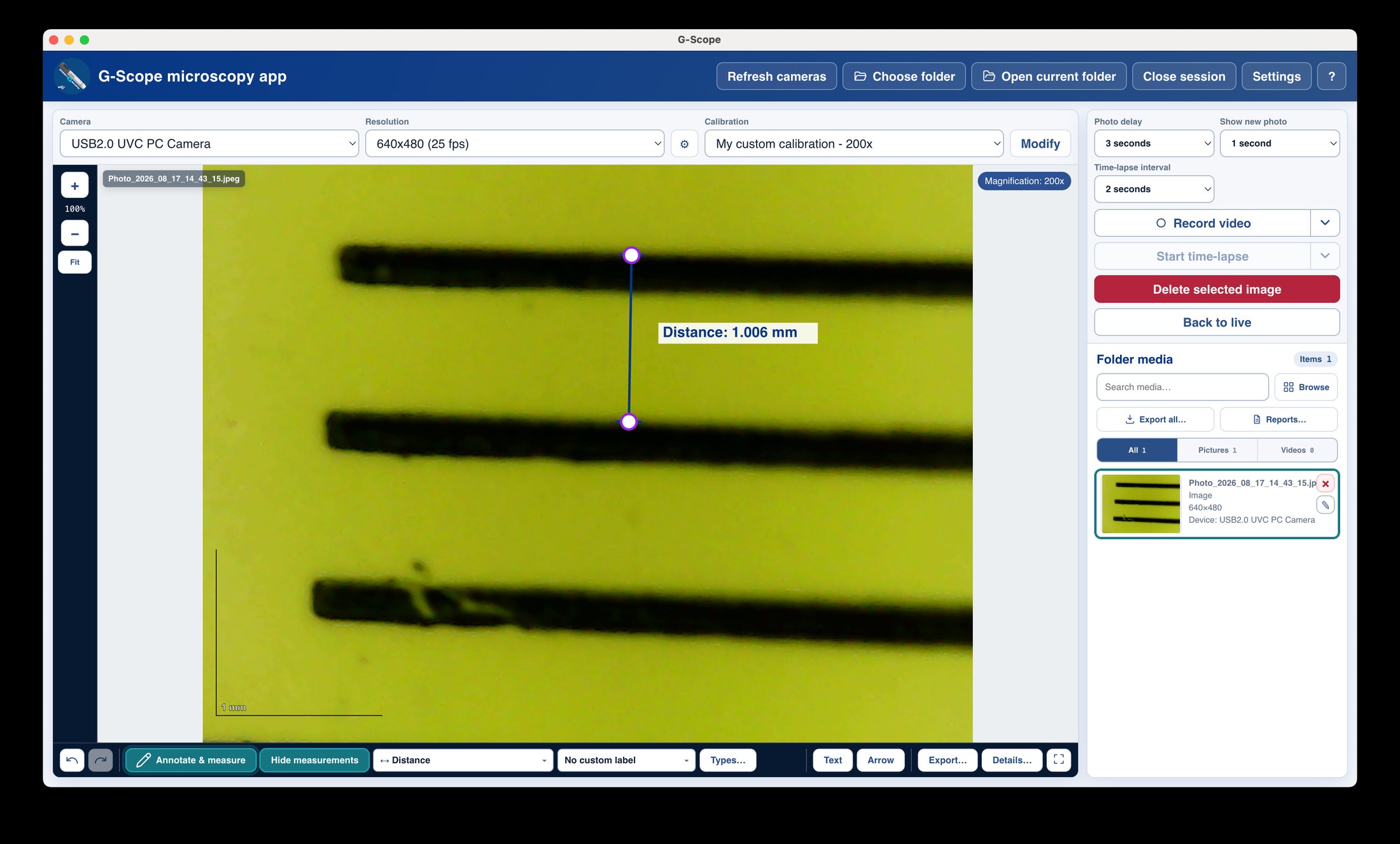
Calibrated measurement built in
Measure the thing you are looking at in real units, with a scale bar and exportable overlays.
Free essentials
Connect, view, capture, calibrate, measure and export PNG: all free.
Works on all three desktop OSes
Windows, macOS and Linux builds from the same codebase.
Bysameyee: bundled software vs G-Scope Desktop
| ✕Four recommended programs with inconsistent button behavior | One app with configurable shortcuts and hardware-button support where available |
| ✕Measurement requires yet another tool | Calibration wizard and measurement tools included |
| ✕No capture metadata or session organization | Session folders with versioned metadata sidecars |
Limitations & expectations
- Tested on the wired 40–1000× model.
- Several nominally different Bysameyee models share the same internal chipset; behavior may be identical across them.
Frequently asked questions
Will my Bysameyee work?
Bysameyee wired microscopes use a standard webcam chipset and install as UVC devices. We tested the classic wired 40–1000× model; live view, capture, calibration and measurement work.
Do the snapshot and zoom buttons work?
Snapshot buttons usually work; zoom-button behavior varies between units and applications. Keyboard and hands-free shortcuts always work in G-Scope Desktop.
Is this the official Bysameyee software?
No. G-Scope Desktop is an independent application, not affiliated with Bysameyee.
G-Scope Desktop is an independent application, not affiliated with the brand of your microscope.