Feature
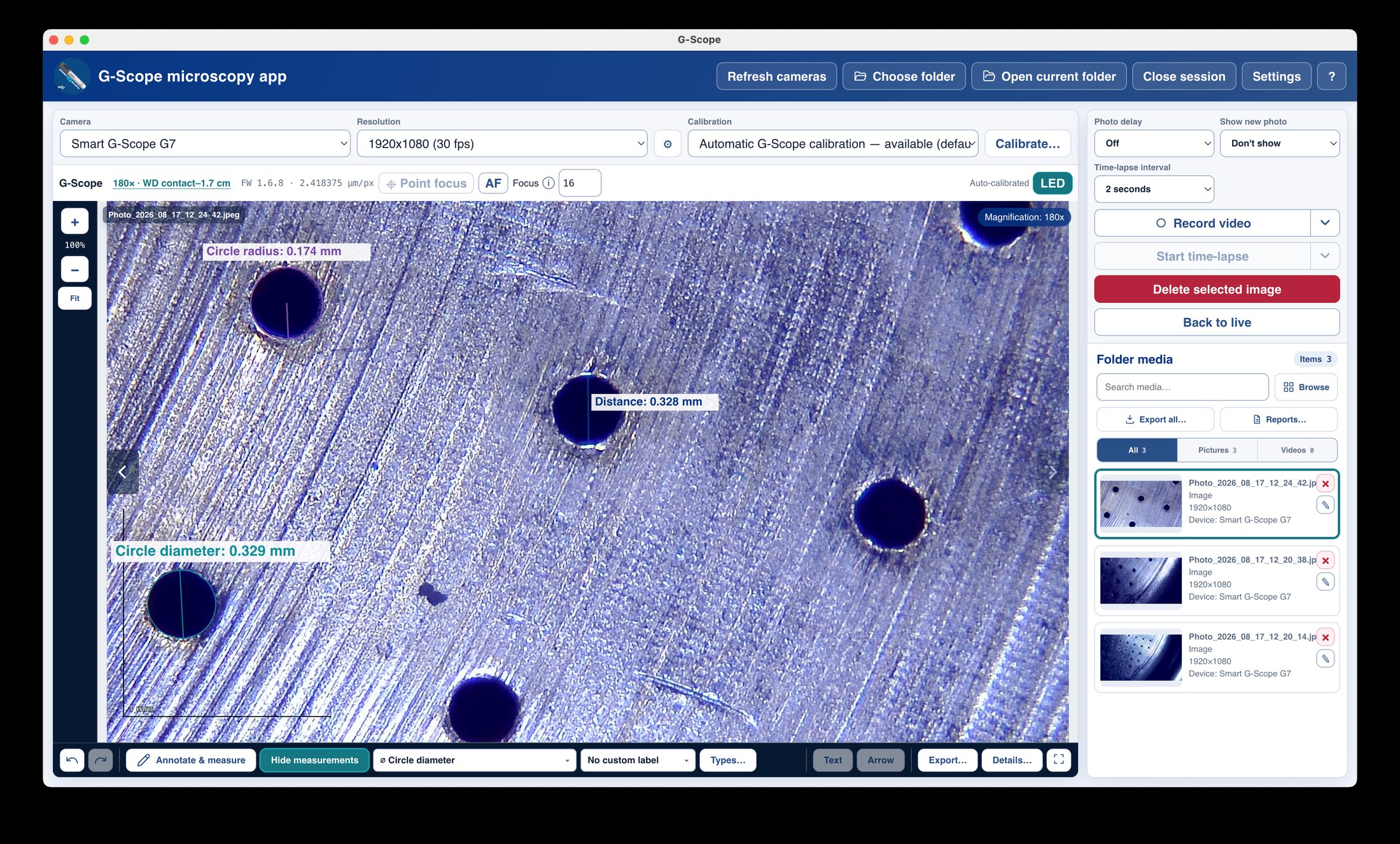
Capture photos, video and time-lapses
Capture is deliberately short: connect a camera, choose a folder, press F4. Every photo and video lands as a normal file in your session folder. No accounts, no proprietary format, no cloud.
At a glance
One click
F4, F10, Space, hands-free shortcut or hardware button
Best moment
Keep the sharpest frame of a burst automatically
Formats
JPEG (default), lossless PNG, lossless OME-TIFF (Pro)
Video
MP4 with embedded acquisition metadata
What you get
Photos in one click
Capture with F4, F10, Space, a configured hands-free shortcut or a supported hardware button. Optional 3/5/10-second countdown for steady shots.
Sharpest-frame selection
Best-moment capture keeps the sharpest frame of a burst automatically, useful on handheld shots and slightly moving specimens.
Lossless formats when it matters
JPEG is the fast default; PNG and OME-TIFF (Pro) give lossless, standards-compliant archives. OME-TIFF even carries physical pixel sizes when calibrated.
MP4 video with metadata
H.264/MP4 recording embeds acquisition metadata on Windows, macOS and Linux (device, timestamp, calibration), so the recording is self-documenting.
Time-lapse
Repeated capture at intervals from 1 second to 5 minutes (including 2- and 3-minute choices) until you stop.
Your folder is the session
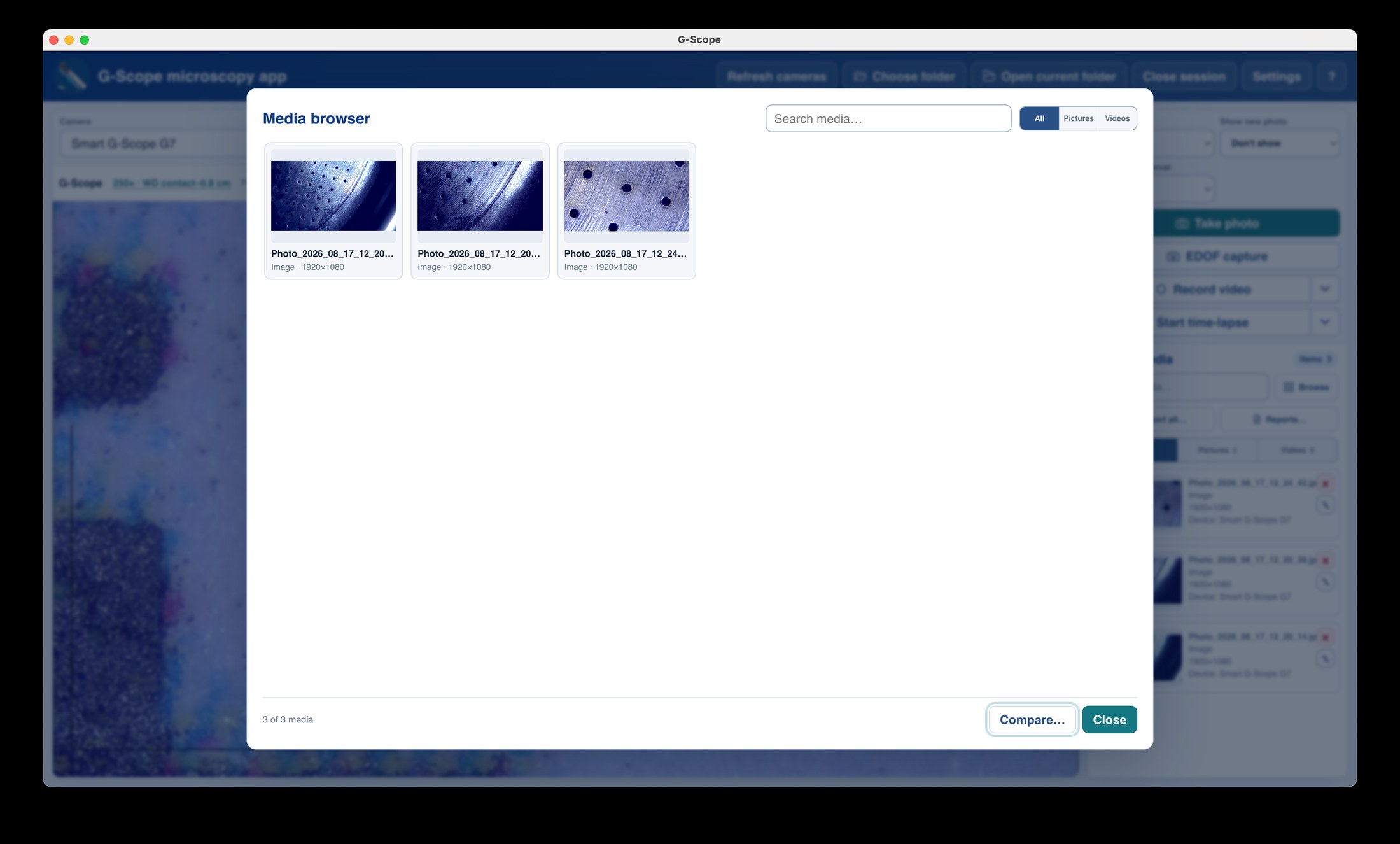
Select any writable folder; every capture is a normal file there. No hidden database, no proprietary project; you can open the folder with anything.
Capture: stock software vs G-Scope Desktop
| ✕Bundled capture app tied to the bundled CD or a shady download site | Free, current download from g-scope.eu for Windows, macOS and Linux |
| ✕Photos saved into a private folder you cannot find | Normal files in your chosen session folder, browsable by any tool |
| ✕Blurry handheld shots with no help | Best-moment sharpest-frame selection and countdown |
| ✕Video in a proprietary or platform-locked container | MP4 with embedded acquisition metadata on every platform |
Screenshots & video
Frequently asked questions
Which shortcuts capture a photo?
F4, F10 and Space by default, plus any configured hands-free shortcut and a supported hardware capture button. Shortcuts are configurable in Settings.
What formats are available?
JPEG (default), lossless PNG, and lossless OME-TIFF (Pro) with calibration metadata. Every capture also gets a versioned .gscope.json sidecar with the full capture metadata.
Can I record video on Linux?
Yes: MP4 recording with embedded metadata works on Windows, macOS and Linux.