Microscope brandTested and compatible
G-Scope Desktop for Celestron
Celestron's Labs Digital handheld connects over USB-C to Windows and macOS. G-Scope Desktop gives it a proper desktop workflow: live view, capture, calibration, measurement and classroom-ready reports.
At a glance
Status
Tested and compatible
Tested model
Labs Digital 5MP Handheld
Calibration
Manual wizard
Audience
Schools, families, science outreach
Models
Labs Digital 5MP Handheld; 5MP Digital Microscope Imager
App version
v2.6.3
Operating systems
Windows / macOS
What you get
Classroom-ready capture
Live view on a projector or shared screen, best-moment capture, and annotated exports that students can paste into reports.
Calibrated measurement for science fair work
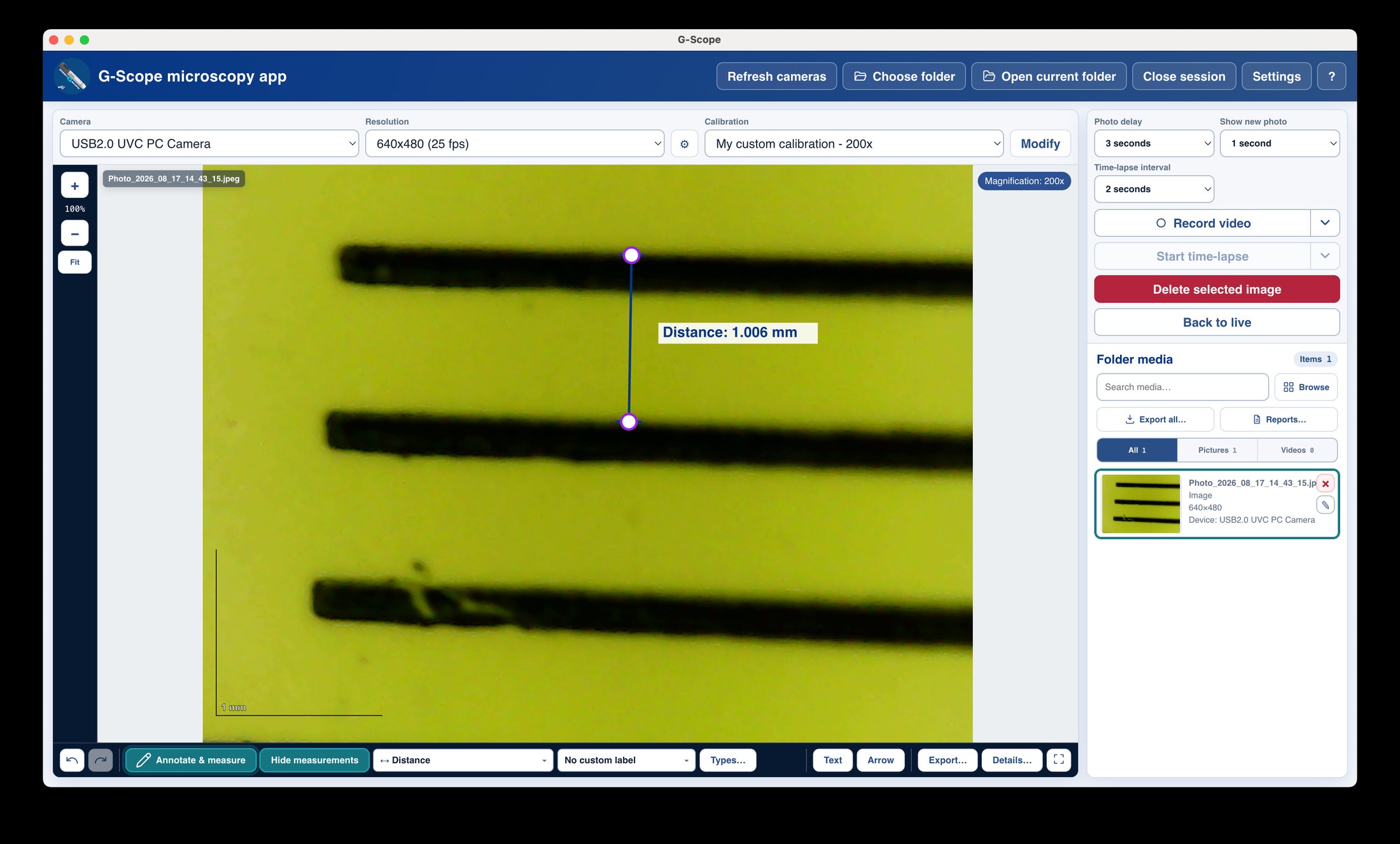
Calibrate against a ruler or calibration slide and measure specimens in real units.
Simple for first-time users
Connect, pick a folder, press F4. No accounts, no cloud, no training needed.
Free and current
Free downloads for Windows and macOS with active development.
Celestron: bundled software vs G-Scope Desktop
| ✕Bundled utility with snapshot and ruler basics | Full workflow: capture, calibration, measurement, annotation, reports |
| ✕Windows-first tooling | Windows and macOS builds |
| ✕No session organization | Folder sessions with metadata sidecars |
Limitations & expectations
- Labs Digital 5MP Handheld verified.
- The 5MP Digital Microscope Imager is not yet on the tested list.
Frequently asked questions
Which Celestron devices are supported?
The Labs Digital 5MP Handheld is tested and works. The 5MP Digital Microscope Imager for conventional microscopes is not yet on the tested list.
Does the snapshot button work?
Hardware snapshot buttons are supported where the device exposes them; keyboard shortcuts always work.
Is this the official Celestron software?
No. G-Scope Desktop is an independent application, not affiliated with Celestron.
G-Scope Desktop is an independent application, not affiliated with the brand of your microscope.