Feature
Click to focus: sharpness exactly where you point (Smart G-Scope)
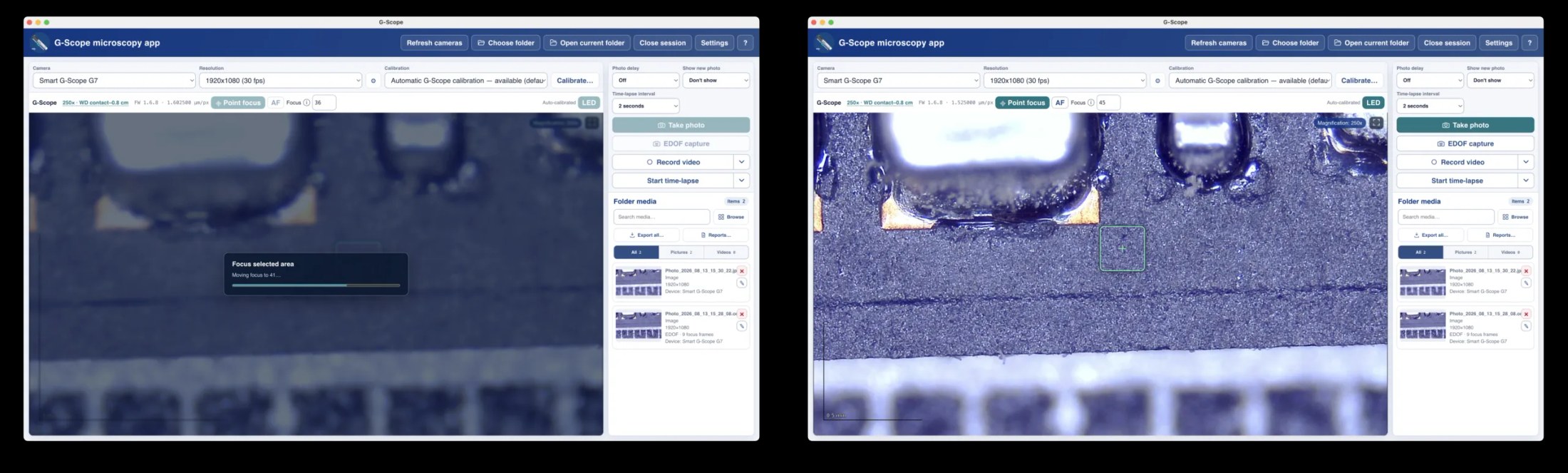
Enable Point focus, click the object that must be sharp, and the scope searches its complete physical focus interval for the best verified position, usually in a few seconds, with a progress overlay. No touching the lens.
At a glance
Targeted
Scores only the region you click, not an unspecified area
Fast
~2–5 s on already-focused objects (4–6 scored frames)
Full range
Searches the complete focus interval, even outside calibration distance
Safe
Failure restores the exact original position
What you get
Focus on the object that matters
A detailed edge, texture, fibre or cell boundary is the target, not whatever happens to sit in the center of the frame. The region of interest is a square around your click (14% of the frame's shorter dimension).
Fast local search
An overshoot-aware predict–verify search scores only 4–6 frames on an already-focused object (about 2.4 s measured on a G7 at 100×), instead of a fixed 10–15-position grid.
Recovers even far-away lenses
If the focus was moved far away, bounded recovery anchors across the full focus interval and still lands within one register of the true peak.
Works outside auto-calibration distance
The search domain is the complete physical focus interval, so an object focused by hand outside the calibrated bounds is still reachable, and manual calibration covers the exact winning position.
Verified, repeatable results
The winning position is verified with two independent exposures. Repeated identical clicks on the same object land on the same register (0 spread in the 12 August 2026 device benchmark).
How it works
- 1Enable Point focus in the G-Scope controls bar (off by default, so ordinary clicks never move the lens).
- 2Click the object that should be sharp. Enter/Space selects the canvas center.
- 3The app scores the current position free, probes one direction, and brackets the focus peak.
- 4A fitted parabola predicts the peak; the strongest verified position wins.
- 5The focus is verified with two fresh exposures and left at the final position; progress and errors are shown in an overlay.
Screenshots & video
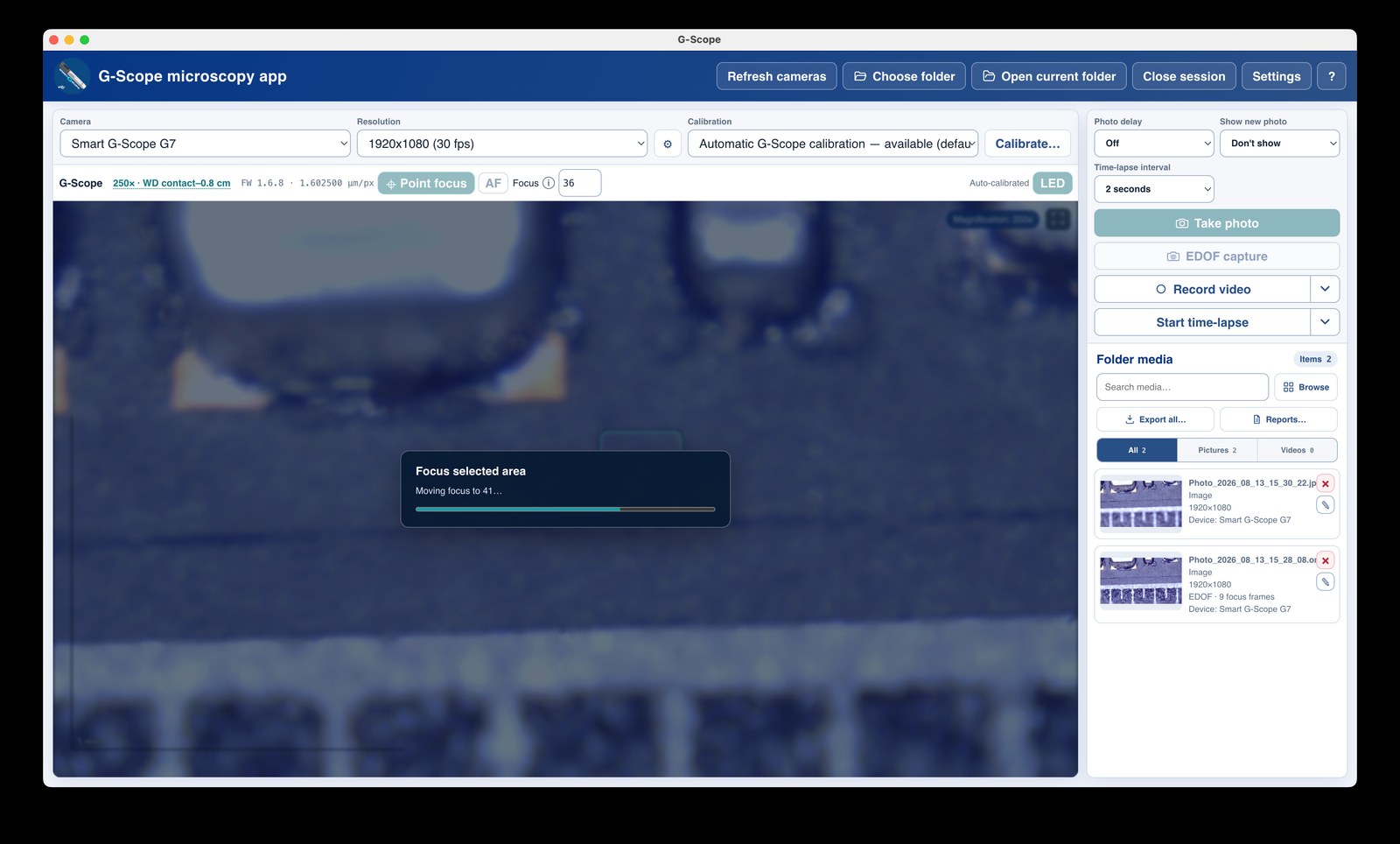
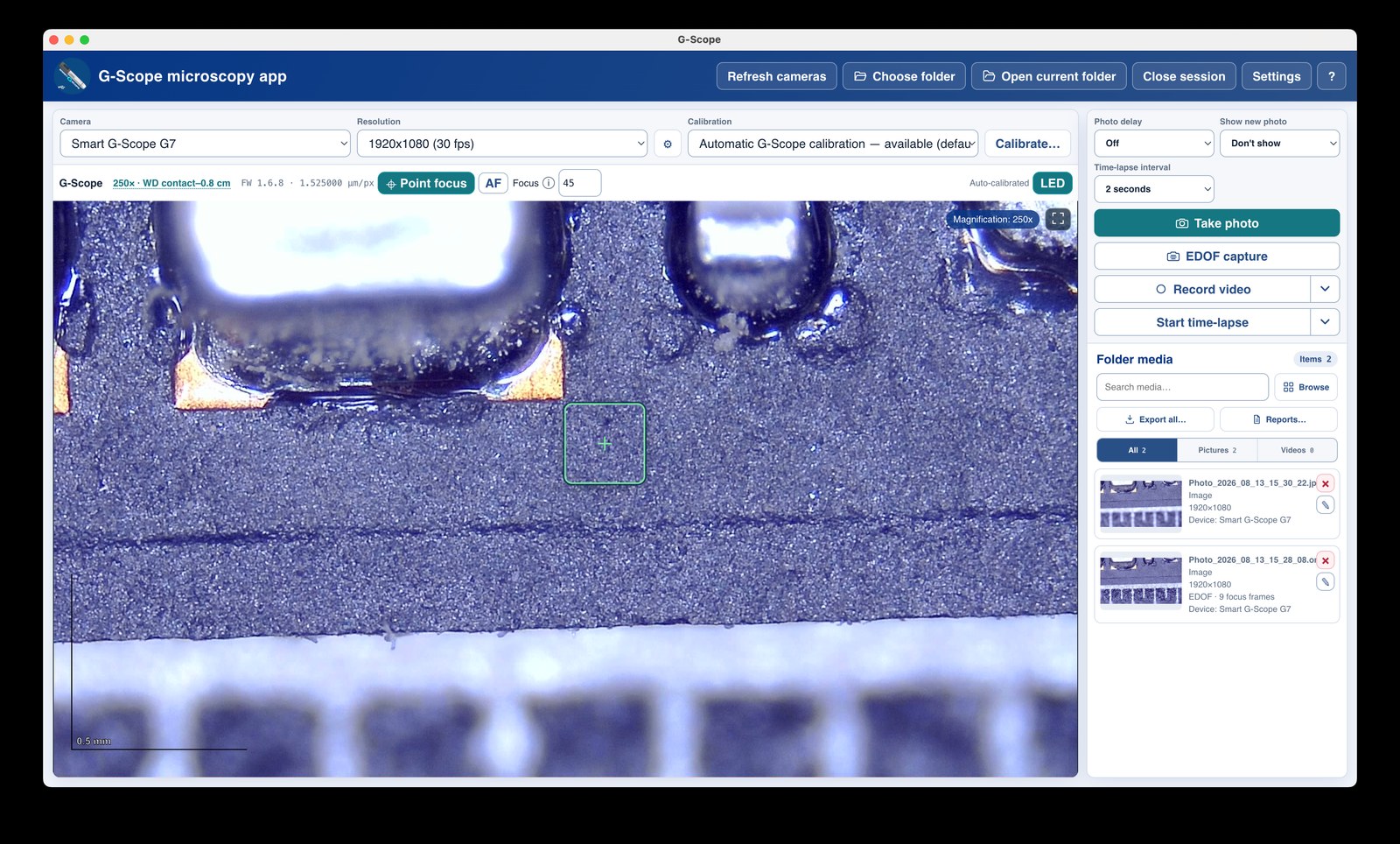
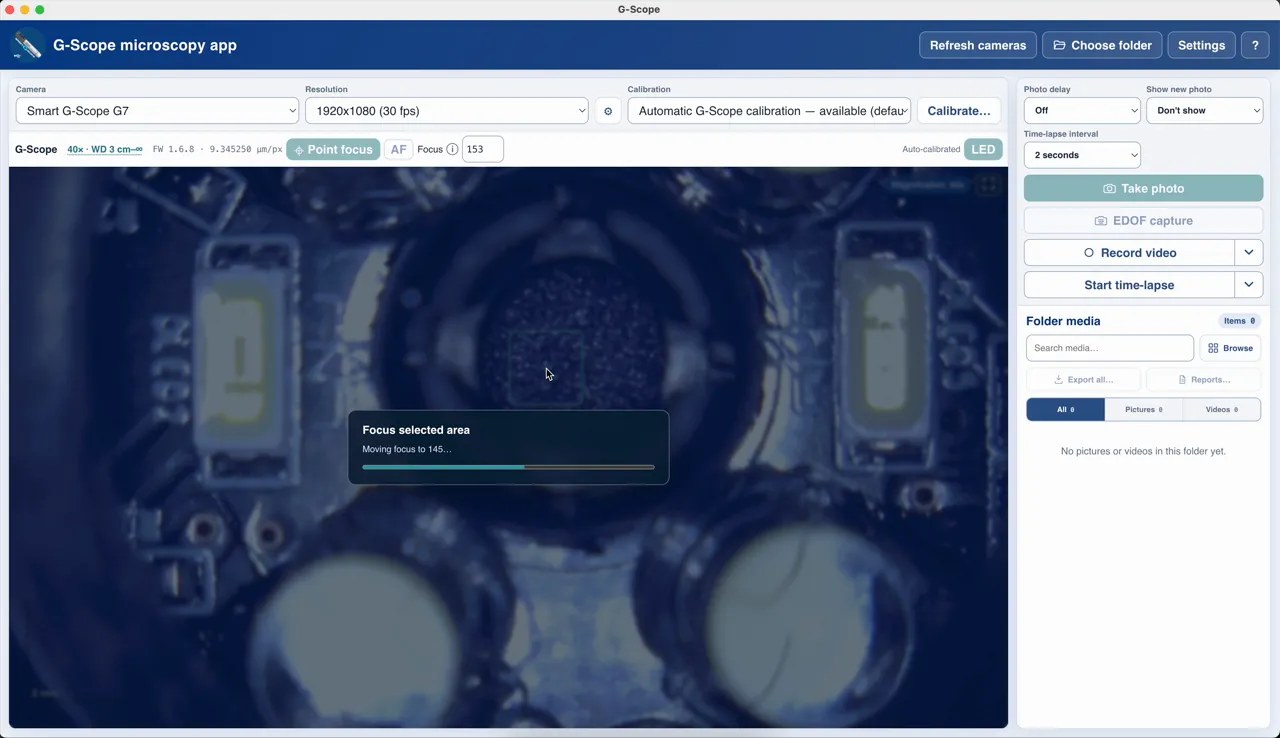
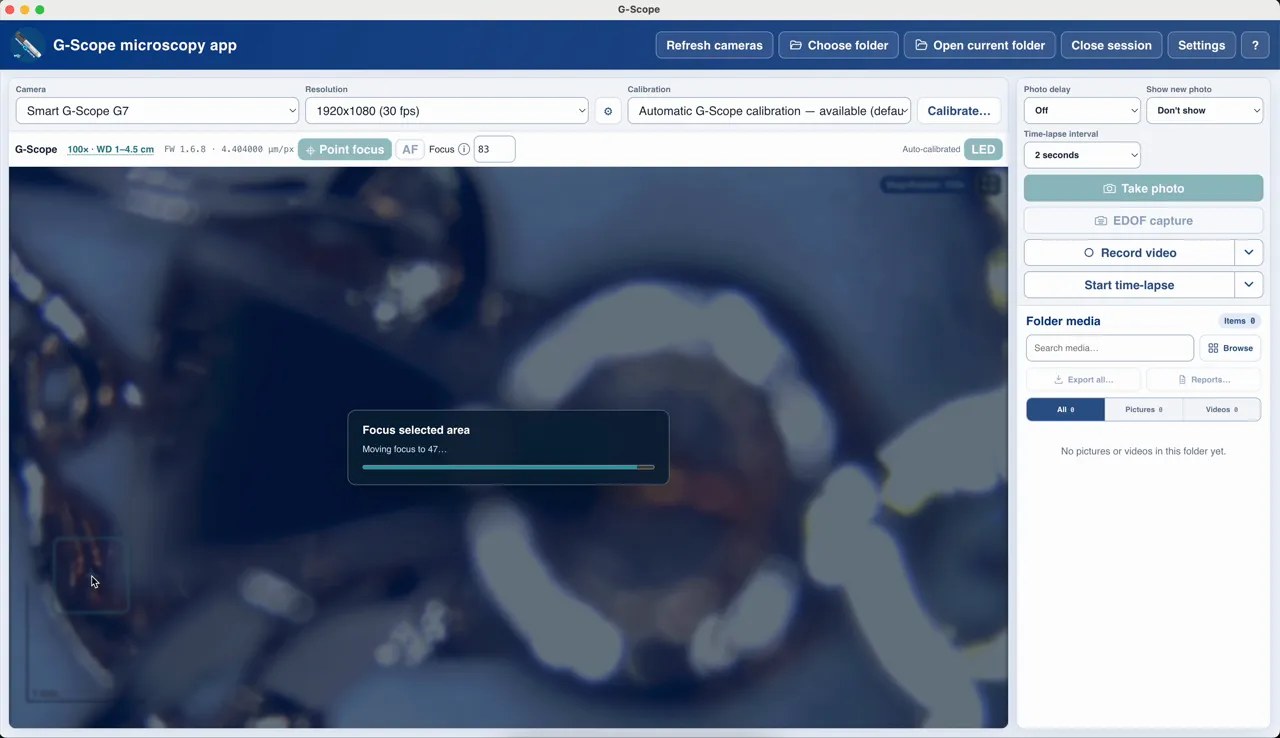
Limitations & expectations
- Requires a genuine Smart G-Scope with liquid-lens focus.
- A blank or saturated patch gives no sharpness signal; aim at a detailed edge or texture.
- Physical measurements stay disabled under the app's digital-zoom policy.
Frequently asked questions
Is Point focus different from the AF button?
Yes. AF asks the scope to run its manufacturer one-shot autofocus over its own area. Point focus scores only the image region you clicked, using the full-resolution raw frame.
Does Point focus work when the current position is out of range?
Yes. The search covers the complete focus interval, so an object manually focused outside the automatic-calibration distance is still reachable.
Can I use it for measurements afterwards?
Yes: after the winning focus is applied, normal calibration refreshes for that exact position, so measurements describe the final optical state.