Microscope brandTested and compatible
G-Scope Desktop for HAYEAR
HAYEAR cameras attach to stereo, compound and industrial optics. The app is built for the stress these devices create: USB bandwidth limits, MJPEG latency, 4K rendering, long exposures and high-resolution stills.
At a glance
Status
Tested and compatible
Tested models
HY-500B (5MP USB 2.0), HY-900B (4K USB 3.0)
Calibration
Manual wizard
Controls
Exposure, gain, white balance where the driver exposes them
Models
HY-500B (5MP USB 2.0); HY-900B (4K USB 3.0)
App version
v2.6.3
Operating systems
Windows / macOS / Linux
What you get
Built for high-resolution streams
4K USB 3.0 devices exercise bandwidth, MJPEG decoding and canvas rendering. The app's format fallback and renderer selection handle exactly these cases.
Calibrated measurement for industrial work
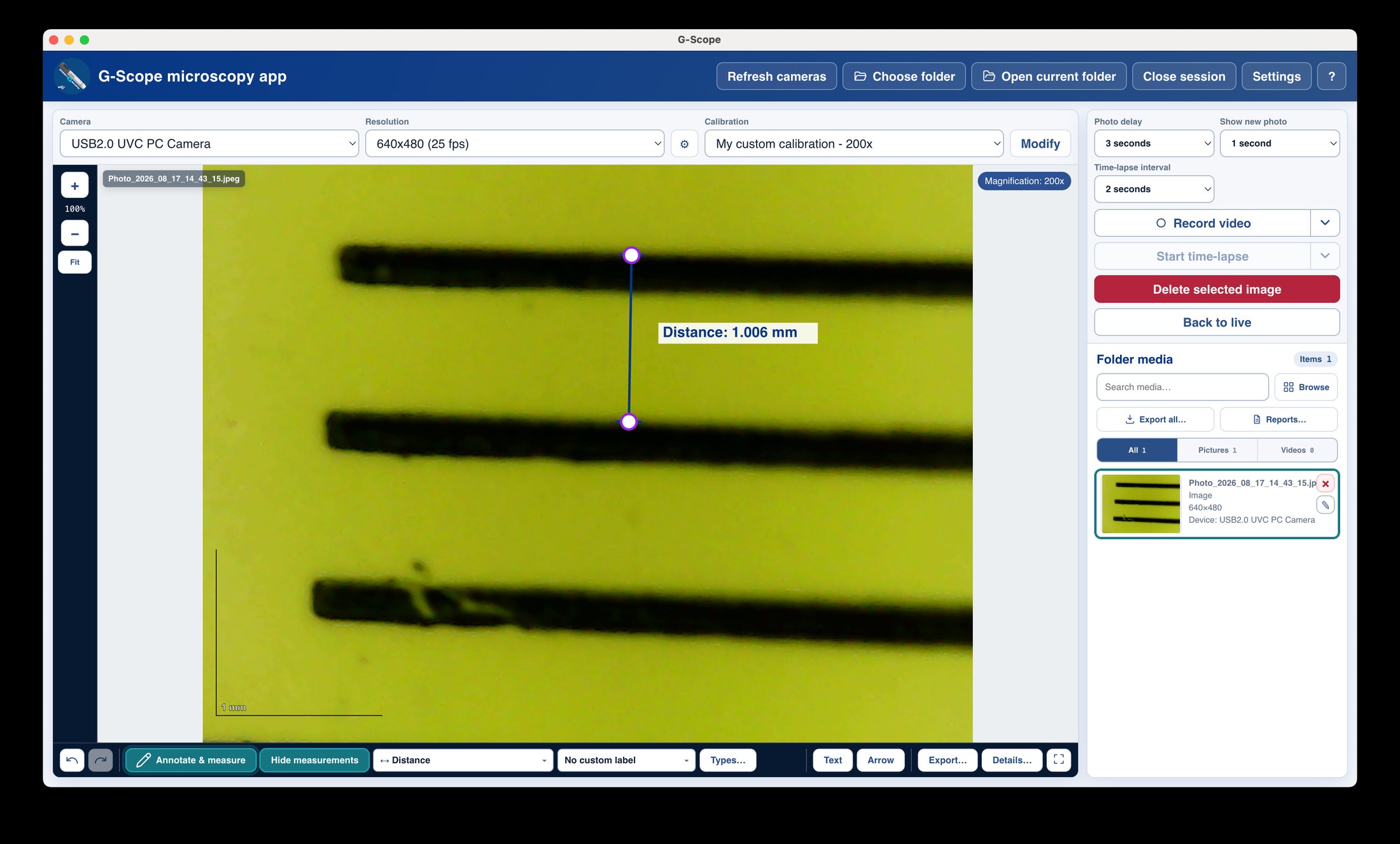
Attach to your optics, calibrate once, and measure features in real units with exportable records.
Long-exposure and still capture
Manual exposure ranges, gain and white balance are exposed where the driver supports them, and high-resolution stills capture the detail.
Free and current
Free downloads for Windows, macOS and Linux, with active development.
HAYEAR: bundled software vs G-Scope Desktop
| ✕Vendor utility tied to one device generation | One app across 5MP USB 2.0 and 4K USB 3.0 cameras |
| ✕Preview and capture with no measurement workflow | Calibration, real-unit measurement and reporting included |
| ✕No documentation of stream limits | Per-model notes on resolutions, frame rates and formats |
Limitations & expectations
- Tested on HY-500B (USB 2.0) and HY-900B (USB 3.0).
- Exposure/white-balance control ranges depend on the driver.
Frequently asked questions
Will my HAYEAR camera work?
HAYEAR USB cameras expose UVC with MJPEG/YUY2, manual exposure and white balance. We tested the HY-500B (USB 2.0) and HY-900B (USB 3.0); high-resolution streams work through G-Scope Desktop.
What about 4K performance?
4K streams are demanding: bandwidth, decoding and rendering all matter. The app selects preview formats and renderers automatically and reports diagnostics when performance is weak.
Is this the official HAYEAR software?
No. G-Scope Desktop is an independent application, not affiliated with HAYEAR.
G-Scope Desktop is an independent application, not affiliated with the brand of your microscope.