Microscope brandTested and compatible
G-Scope Desktop for Jiusion
Jiusion's wired microscopes install as standard UVC webcam devices, exactly what G-Scope Desktop is built for. No more juggling three recommended programs: capture, calibration, measurement and reporting live in one free app.
At a glance
Status
Tested and compatible
Tested models
Classic 40–1000× wired; current 2K wired
Calibration
Manual wizard, one-time per magnification
Capture button
Usually works; behavior varies by unit
Models
Classic wired 40–1000× (USB2.0 UVC PC Camera); current 2K wired model
App version
v2.6.3
Operating systems
Windows / macOS / Linux
What you get
Replace the utility maze
Jiusion documentation recommends several different programs for viewing, snapshots and measurement. G-Scope Desktop does all of it in one place.
Works with the standard webcam chipset
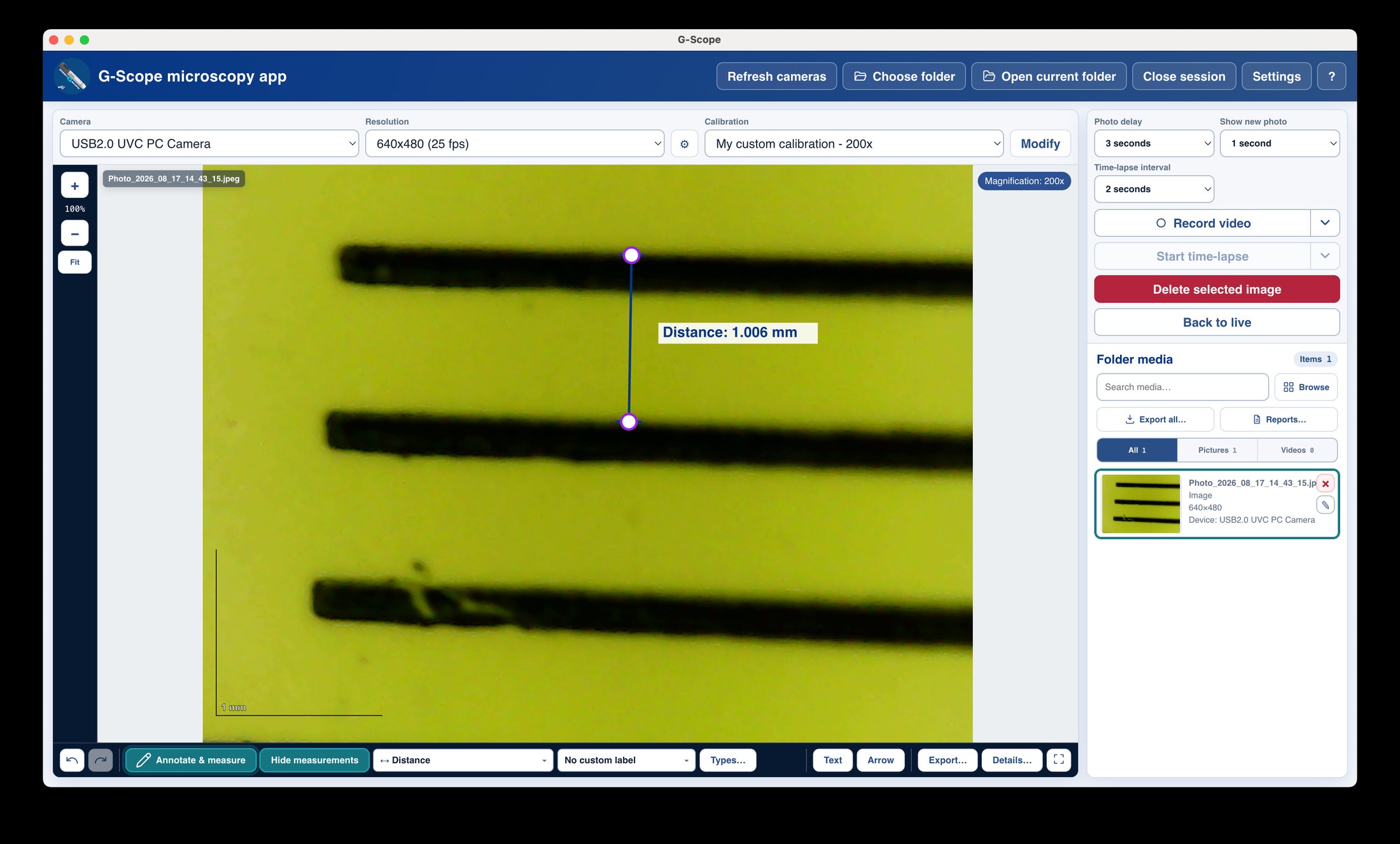
Plug in, pick the camera, choose a folder, press F4. Live view, capture, calibration, measurement and export all work without extra drivers.
Free, with no feature paywall for the essentials
The everyday workflow (connect, view, capture, calibrate, measure, export PNG) is free.
Modern and maintained
A current app for Windows, macOS and Linux, instead of a CD-era utility that stops working on new systems.
Jiusion: bundled software vs G-Scope Desktop
| ✕Several recommended programs with inconsistent snapshot/zoom button behavior | One app with configurable shortcuts and hardware-button support where the device exposes it |
| ✕Separate measurement software, often uncalibrated | Built-in calibration wizard and real-unit measurements |
| ✕Downloads scattered across sites and versions | Free, current download from g-scope.eu |
Limitations & expectations
- Tested on the classic 40–1000× and current 2K wired models; snapshot-button behavior varies by unit.
- Camera controls (exposure, white balance) depend on the driver.
Frequently asked questions
Will my Jiusion microscope work?
Jiusion wired microscopes use a standard webcam chipset and install as UVC devices, so live view, capture, calibration and measurement work in G-Scope Desktop. We tested the classic 40–1000× model and the current 2K wired model.
Do the snapshot buttons work?
Behavior varies by unit and application. G-Scope Desktop supports hardware capture buttons where the device exposes them, and configurable keyboard shortcuts always work.
Is this the official Jiusion software?
No. G-Scope Desktop is an independent free application that supports Jiusion's UVC devices. It is not affiliated with Jiusion.
G-Scope Desktop is an independent application, not affiliated with the brand of your microscope.