Microscope brandFully integrated
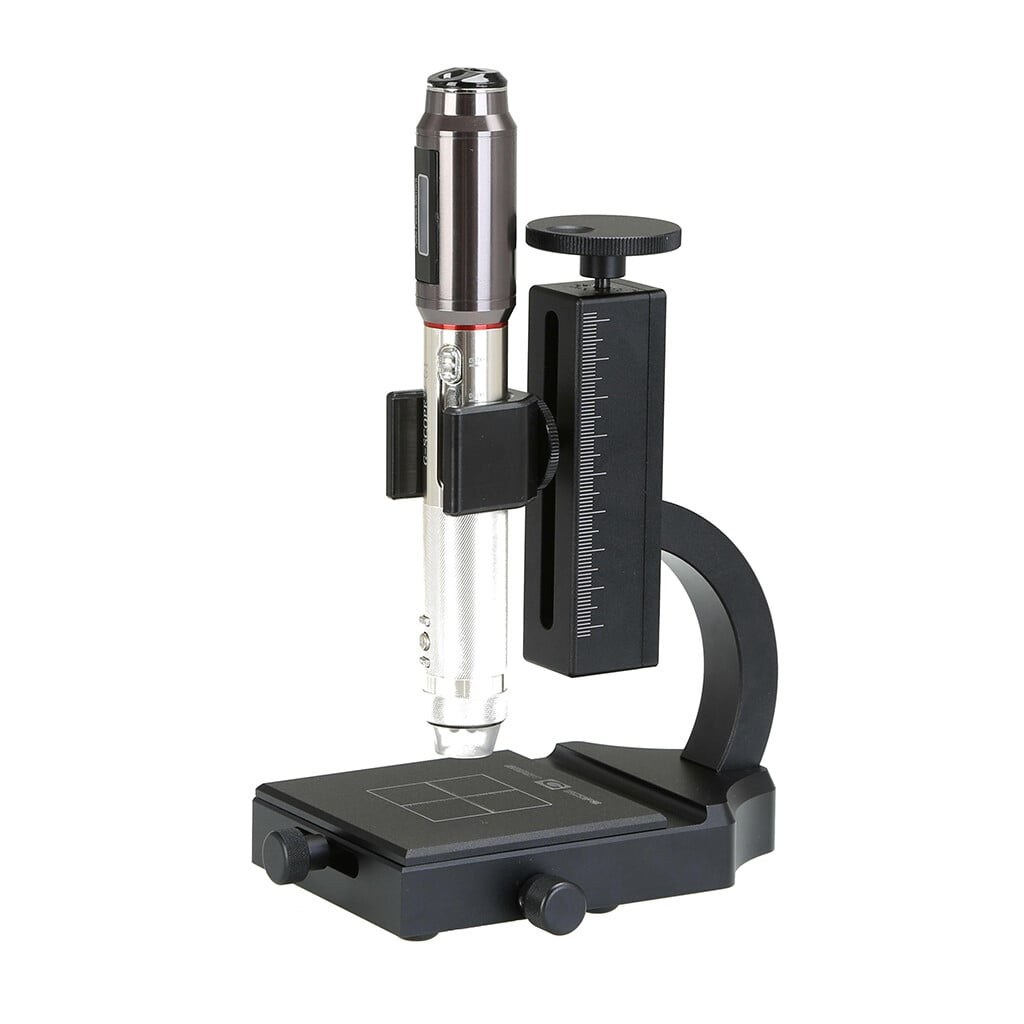
G-Scope Desktop for Smart G-Scope
Smart G-Scope is the fully integrated device: connect it and the app recognizes it, validates the firmware, derives magnification and physical scale automatically, and unlocks the device-only features: click-to-focus, calibrated EDOF capture and the hardware capture button.
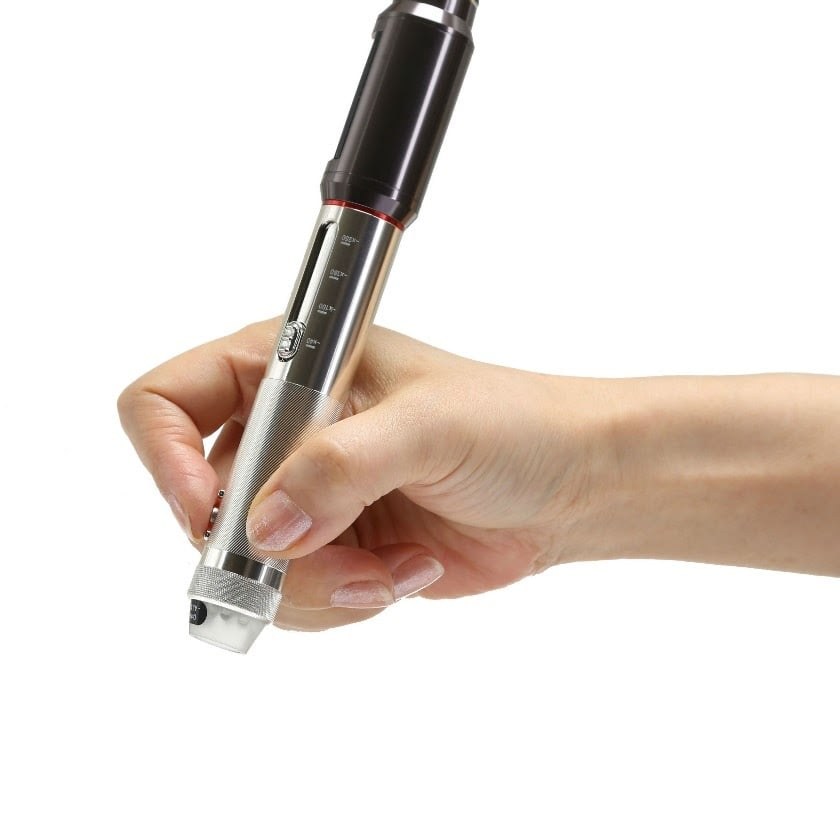
At a glance
Status
Fully integrated (reference device)
Calibration
Automatic, from the device pixel size
Device features
Click-to-focus, EDOF, hardware capture button, LED
Pro included
Pro features unlock while a genuine G-Scope is connected
Models
All G-series models, fully tested at every magnification level
Last tested
August 2026
App version
v2.6.3
Operating systems
Windows / macOS / Linux
What you get
Automatic calibration and magnification
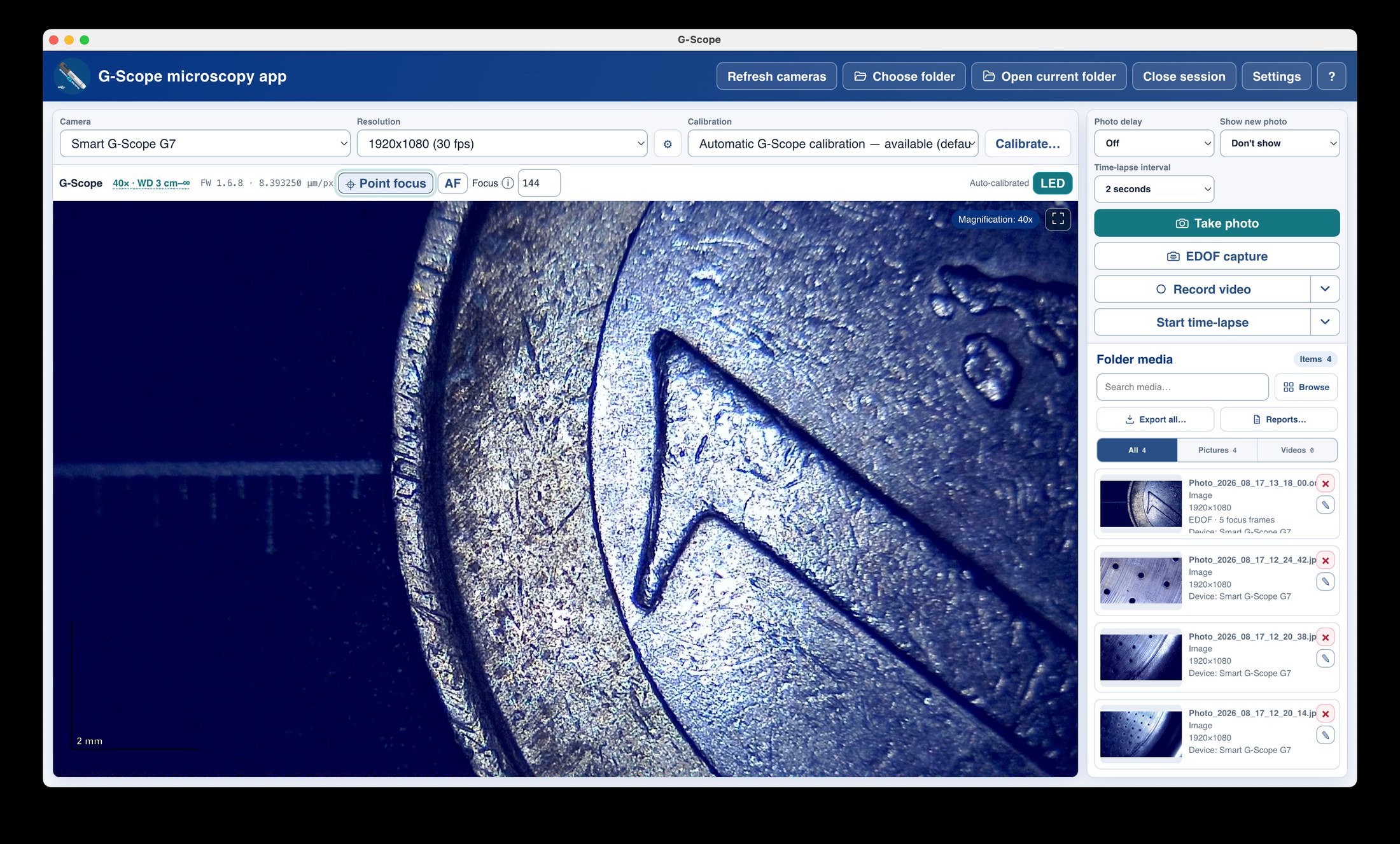
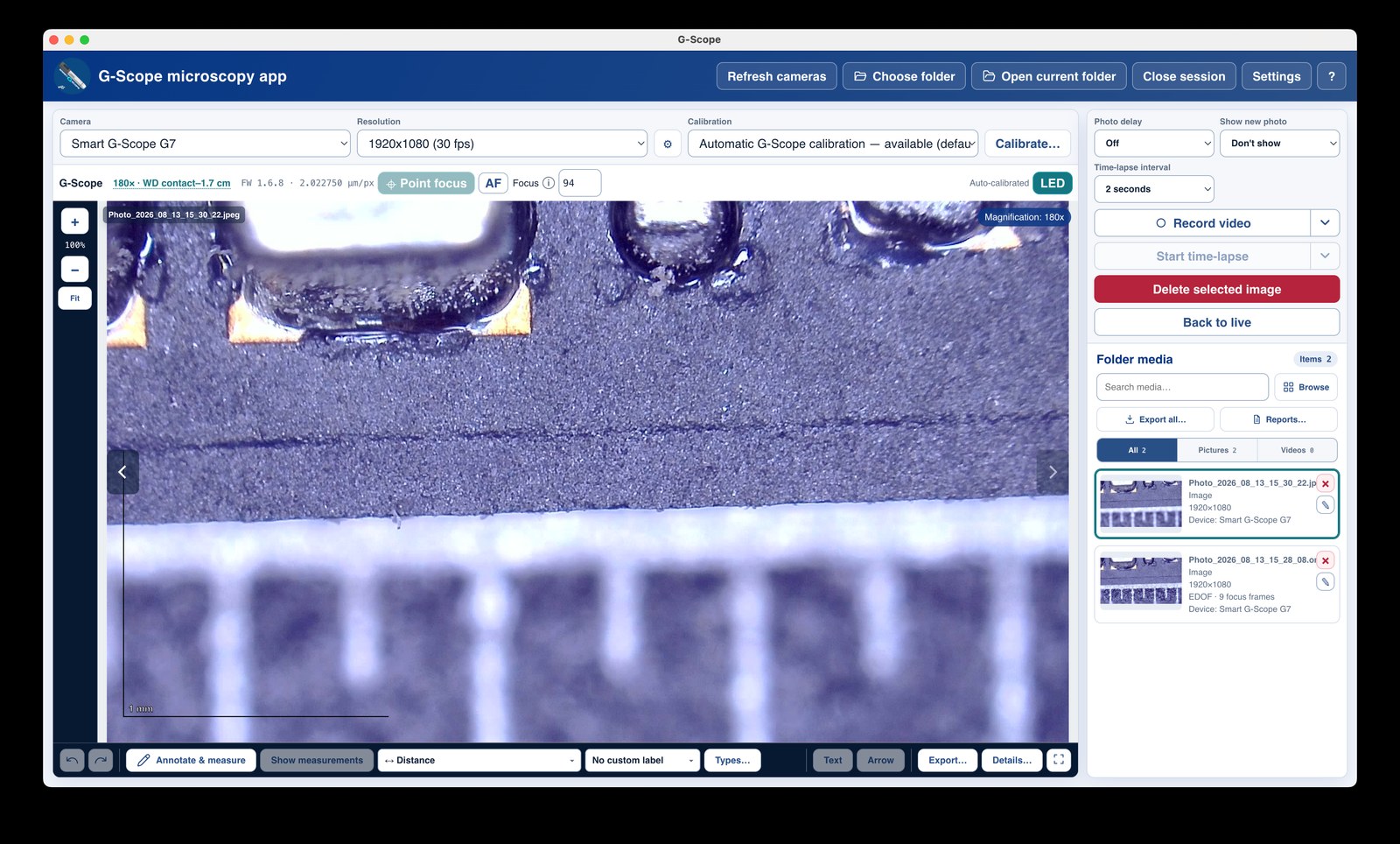
The app reads the optical mode, lens driver and physical pixel size from the device, no ruler, no guesswork. The scale legend, measurements and OME-TIFF metadata all follow.
Magnification-aware flat-field profiles
Uneven-illumination correction profiles keep the device's resolved magnification, display that value instead of an internal mode number, and retain viewable bright and dark reference masters.
Click-to-focus
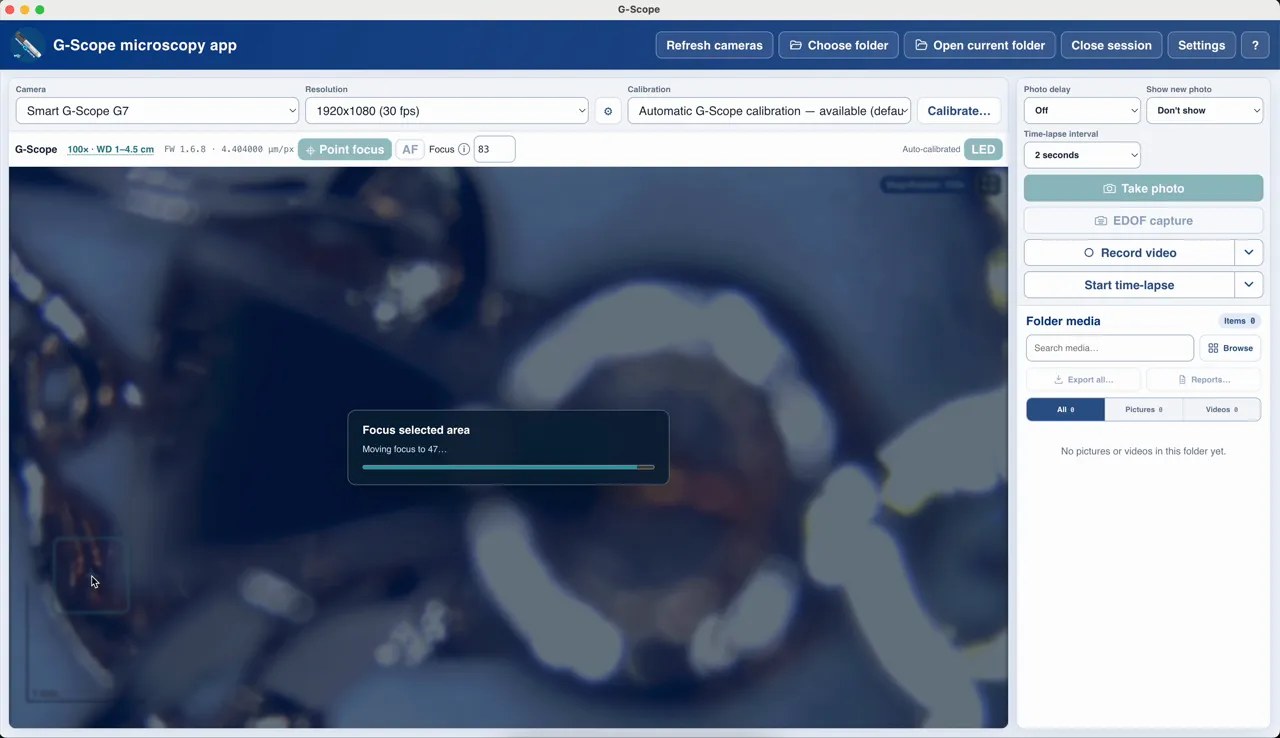
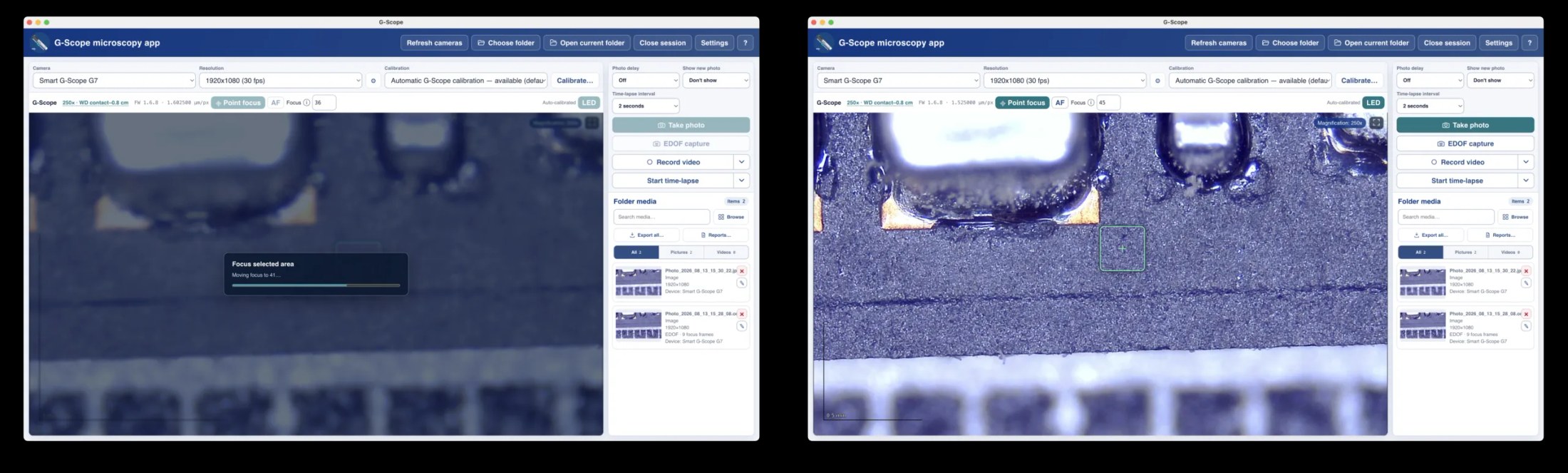
Click the object that must be sharp; the app searches the complete focus interval and lands on the verified best position, usually in seconds.
Calibrated EDOF capture
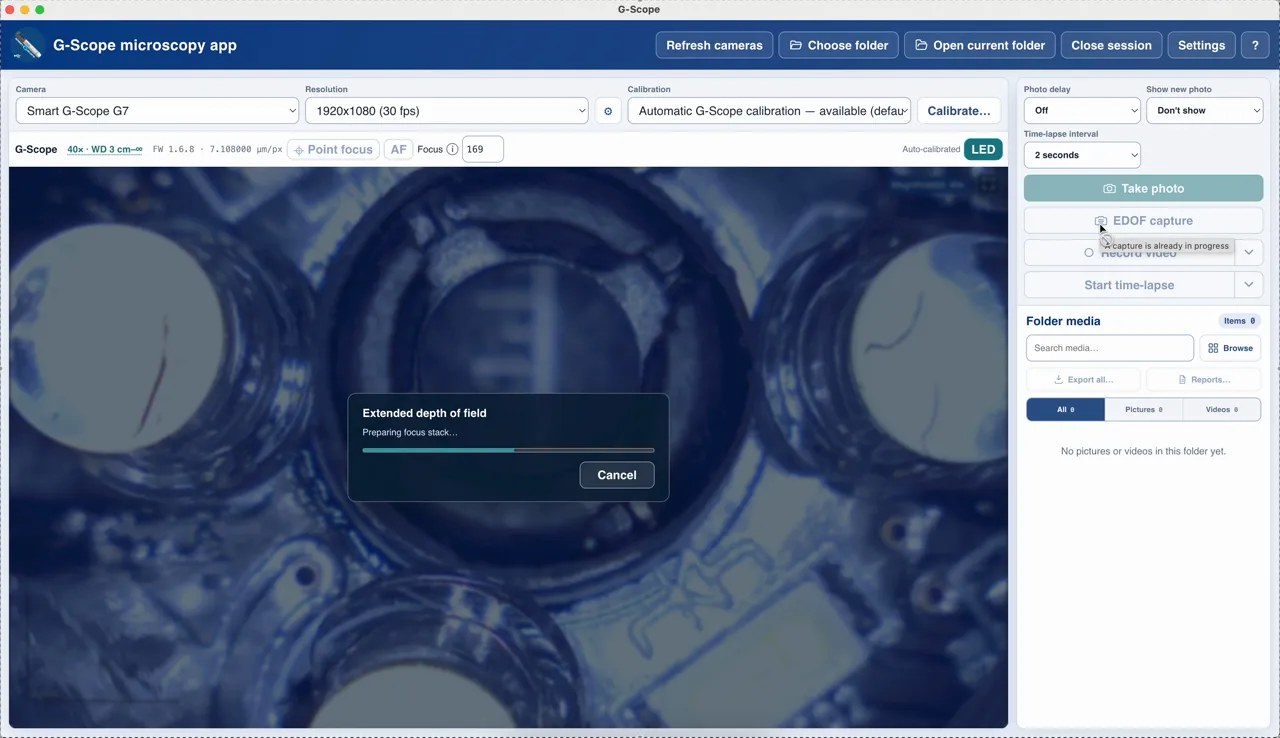
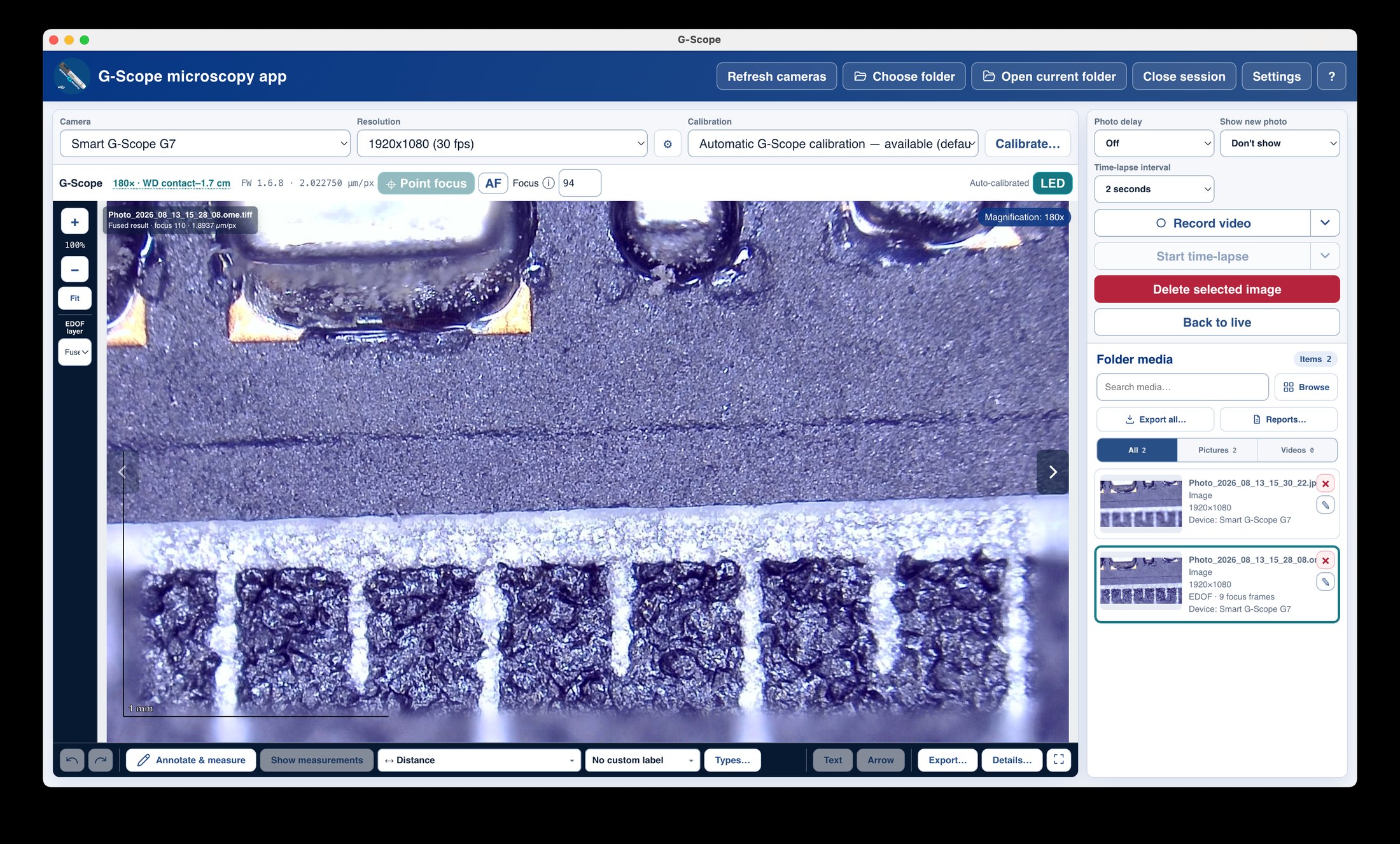
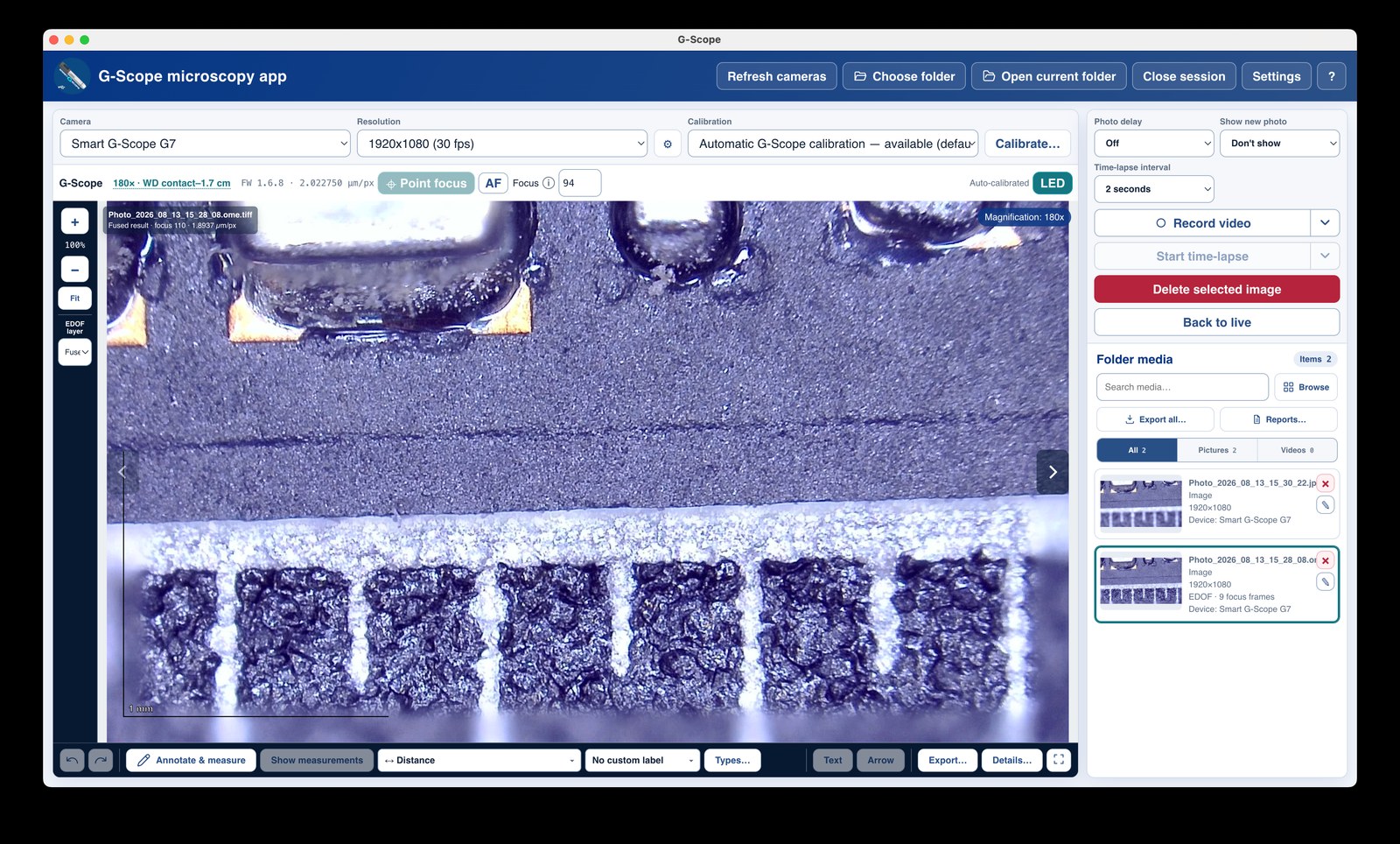
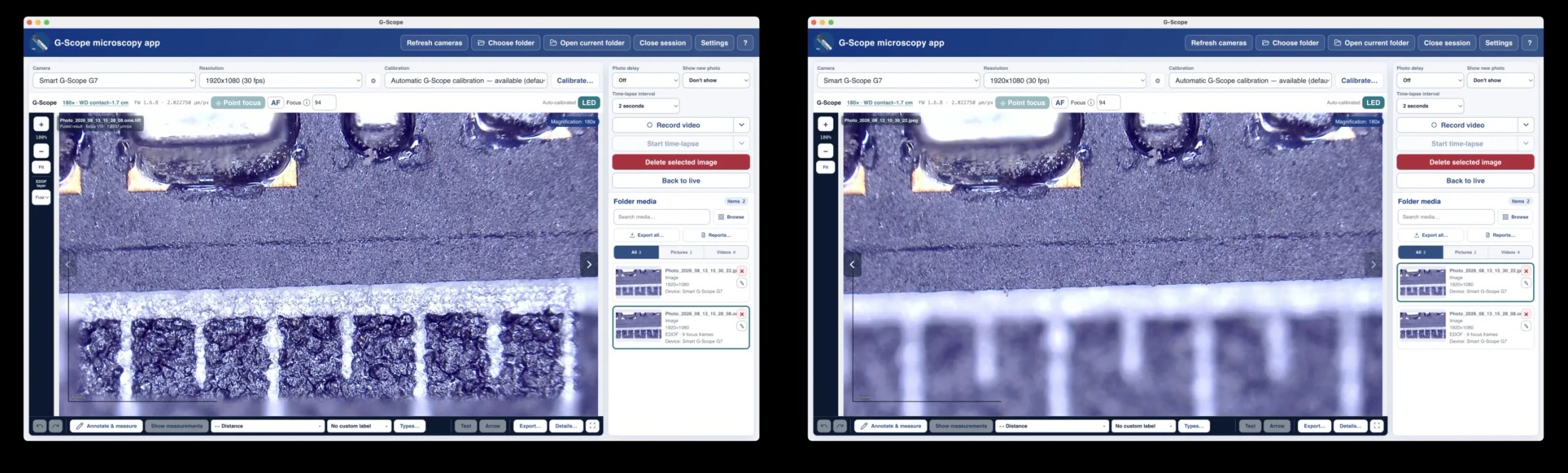
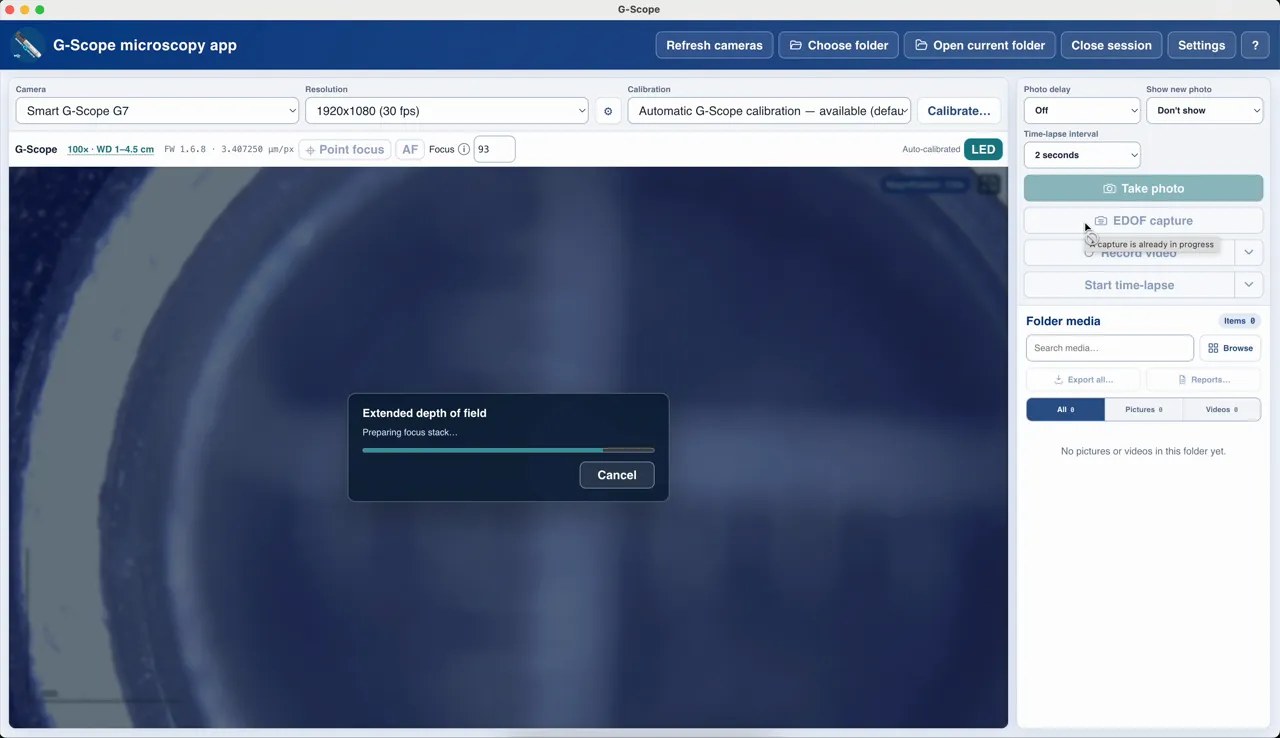
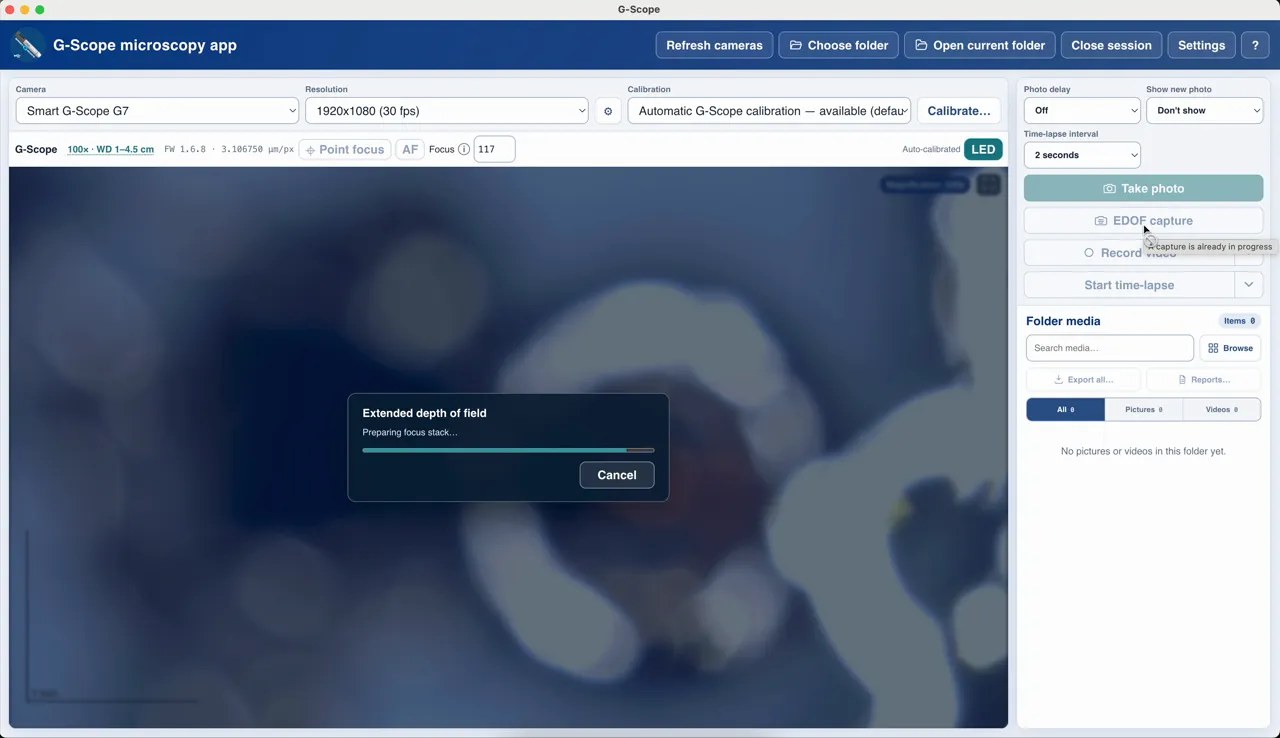
Capture extended depth of field across a calibrated focus interval with the original layers archived in OME-TIFF, a capability no bundled generic software offers.
Hardware capture button
The device capture button works directly, alongside F4/F10/Space and hands-free shortcuts.
Full device diagnostics
Firmware and protocol diagnostics help identify issues fast, and if the optional SDK is ever unavailable, the device still works as a generic UVC camera.
Smart G-Scope: bundled generic software vs G-Scope Desktop
| ✕Generic webcam apps that ignore the device's focus capabilities | Full focus control: click-to-focus, EDOF, autofocus with progress |
| ✕No physical scale. Every measurement needs a ruler | Automatic calibration from the device pixel size |
| ✕No way to capture the full depth of a 3D surface | Calibrated EDOF with OME-TIFF archive of the source layers |
| ✕Bundled software that is old, unsigned or Windows-only | Current, free downloads for Windows, macOS and Linux |
Screenshots & video
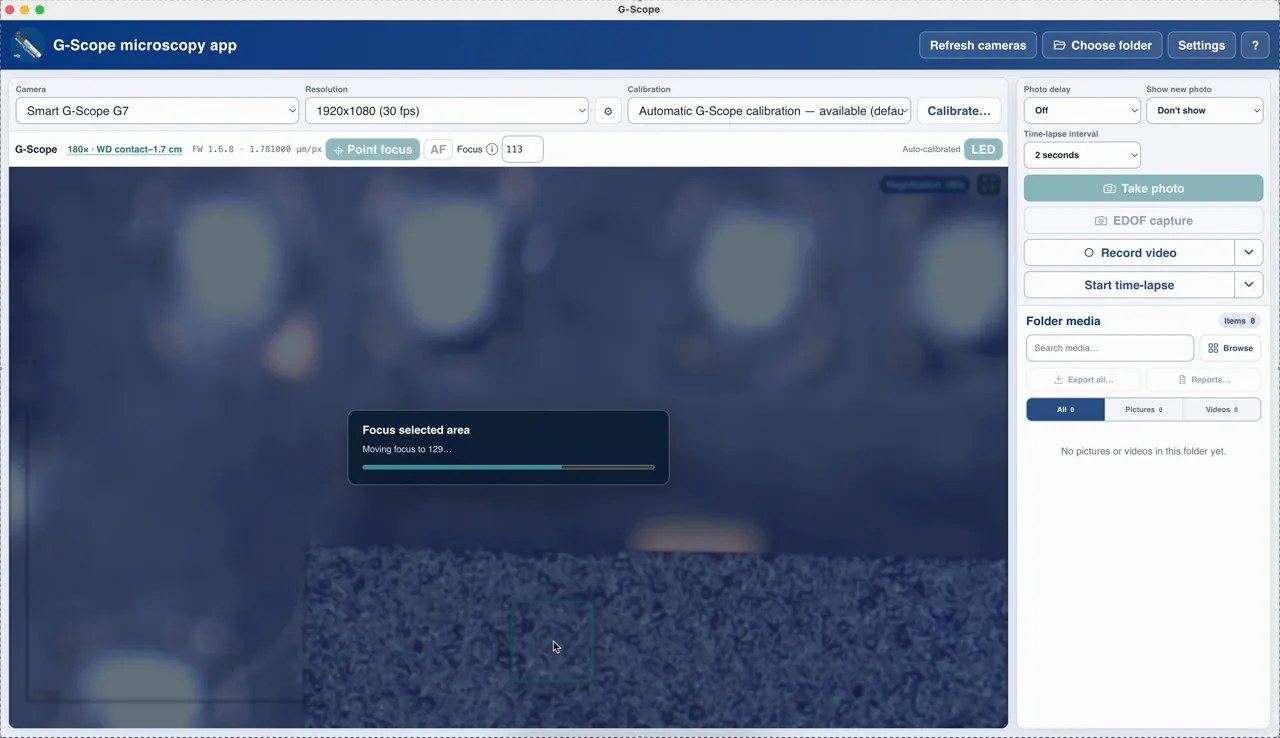
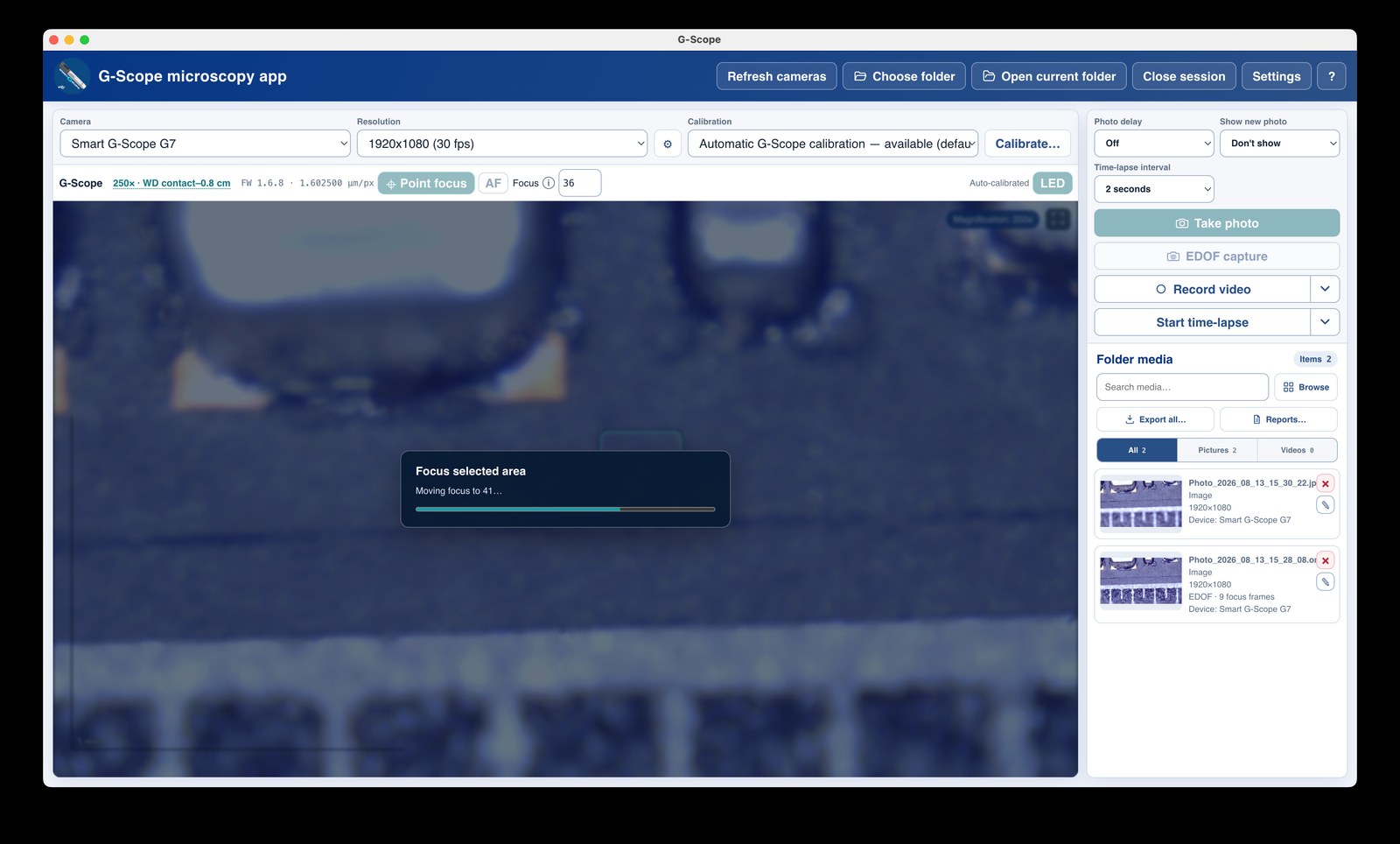
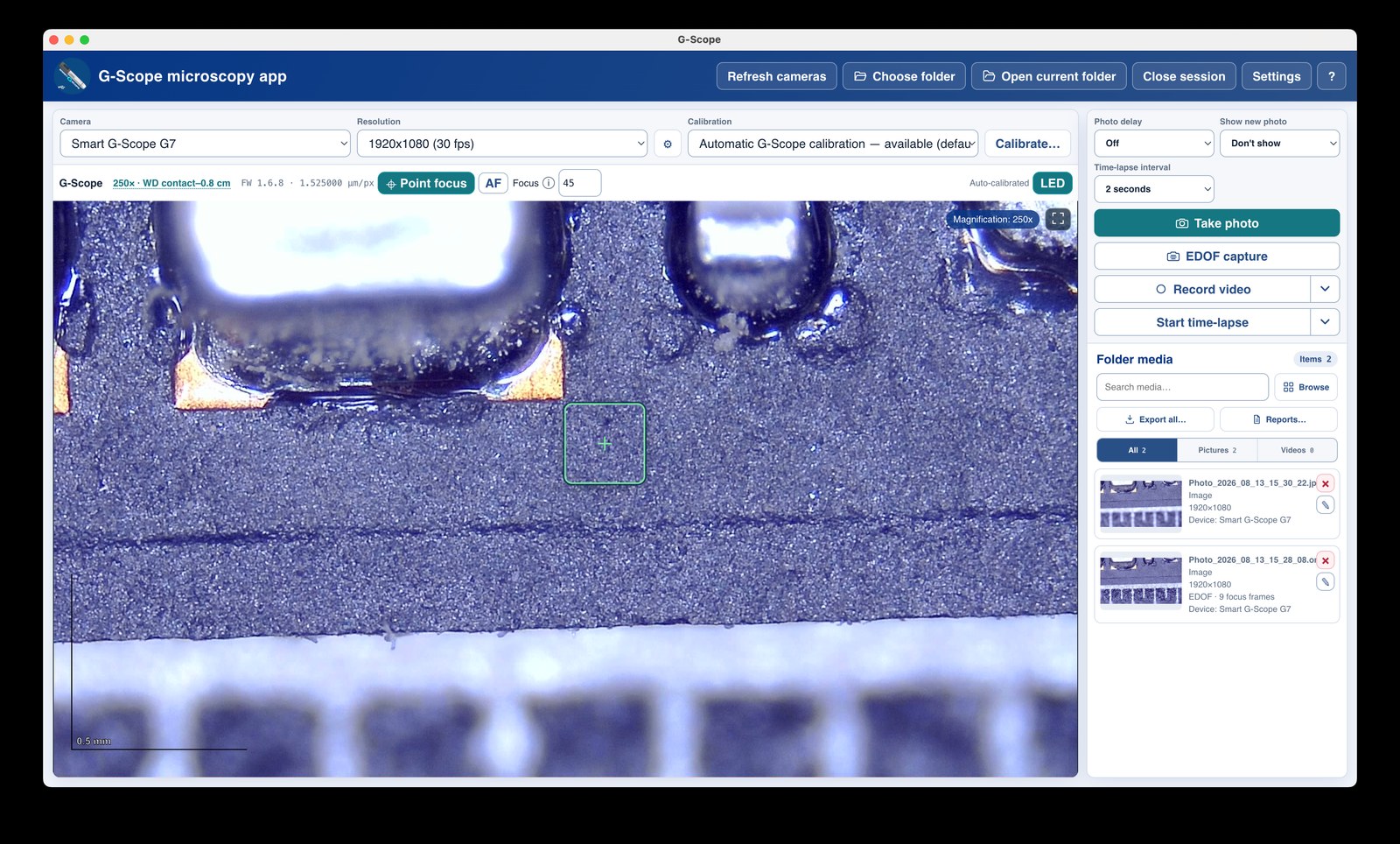
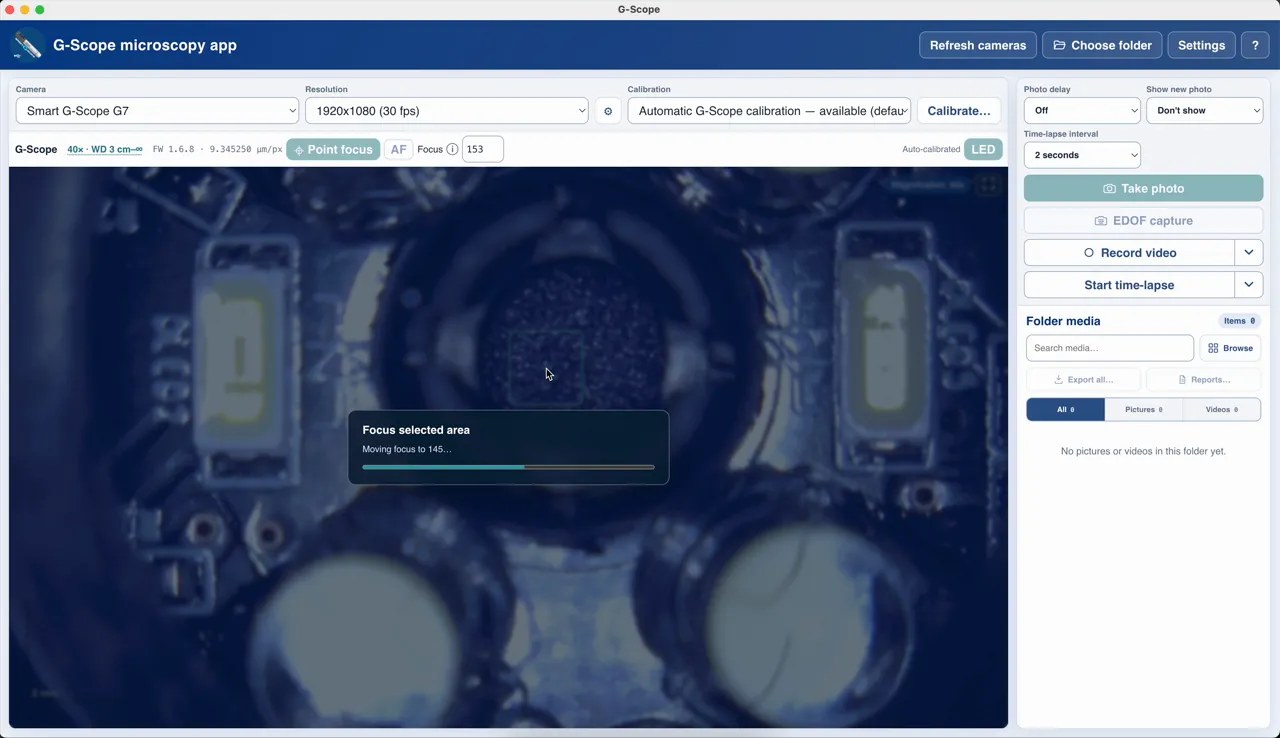
Limitations & expectations
- Click-to-focus and EDOF need a genuine Smart G-Scope with liquid-lens focus.
- EDOF assumes a stationary specimen for best results.
Frequently asked questions
Which Smart G-Scope models are supported?
All G-series models with liquid-lens focus and manufacturer lens calibration. Compatibility is fully tested at every magnification level. The app detects and validates genuine G-Scope devices through their firmware.
Do I get the Pro features for free with the hardware?
Yes: while a genuine Smart G-Scope with detected firmware is connected, the Pro features (advanced measurements, OME-TIFF capture, reports, batch export) run directly.
What happens if the device SDK is unavailable?
The Smart G-Scope continues to work as a generic UVC camera: live view, capture, calibration and measurements all remain available. Only the device-only features are hidden.
G-Scope Desktop is an independent application, not affiliated with the brand of your microscope.