Smart G-Scope vs Dino-Lite
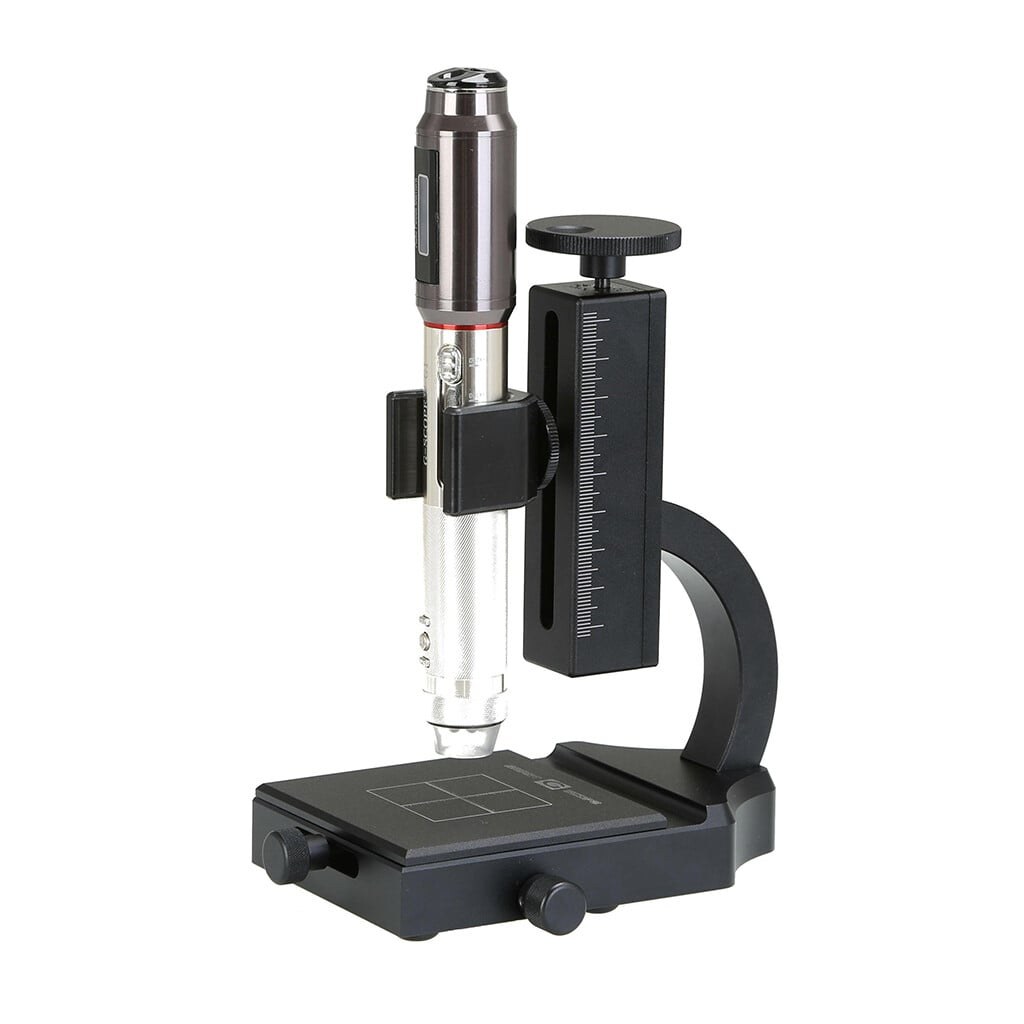
Compare Smart G-Scope with the Dino-Lite AF4115ZT, AF4915ZT and AM7115MZT for inspection, measurement and everyday work.
Four magnification modes. Focus at a click.
Switch magnification modes instantly, let autofocus find the detail, or click exactly where you want the image sharp. Smart G-Scope brings these controls together with the included G-Scope Desktop Pro software.
- 40× · 100× · 180× · 250×
- Autofocus
- Click-to-focus in the live image
Compare the features you use every day
Scroll sideways to compare all four microscopes.
| Smart G-Scope | Dino-Lite AF4115ZT | Dino-Lite AF4915ZT | Dino-Lite AM7115MZT | |
|---|---|---|---|---|
| Price incl. VAT | €699 | ≈ €650–€800 | ≈ €1,050–€1,150 | ≈ €1,050–€1,150 |
| Magnification | 40× · 100× · 180× · 250× | 20–220× | 20–220× | 10–220× |
| Changing magnification | Instant switching between 4 modes | Turn the magnification dial | Turn the magnification dial | Turn the magnification dial |
| Autofocus | Yes — liquid-lens autofocus | Manual focus | Yes — one-touch autofocus in Windows | Manual focus |
| Focus on a selected detail | Click-to-focus in the live image | Manual focus | Refocus near the current focus position in Windows | Manual focus |
| Image resolution | 1920 × 1080 (~2.1 MP) | 1280 × 1024 (1.3 MP) | 1280 × 1024 (1.3 MP) | 2592 × 1944 (5 MP) |
| More depth in focus (EDOF) | Yes — Windows / macOS / Linux | No | Yes — Windows | No |
| Measurement calibration | Automatic in supported calibrated modes | Manual calibration | Manual calibration + Automatic magnification reading (AMR) | Manual calibration |
| Desktop software | G-Scope Desktop Pro (Windows / macOS / Linux) | DinoCapture (Windows) / DinoXcope (macOS) | DinoCapture (Windows) / DinoXcope (macOS) | DinoCapture (Windows) / DinoXcope (macOS) |
Dino-Lite ranges are approximate European retail prices including VAT. Optional accessories and shipping are extra. Prices vary by retailer and country.
Choose for the way you work
For frequent changes of magnification and focus, Smart G-Scope puts four modes, autofocus and click-to-focus at your fingertips. For more pixels in each photo, the AM7115MZT captures 5 MP images. For uneven surfaces, Smart G-Scope and the AF4915ZT offer EDOF, which combines several focus positions into one clearer image.
Four modes, switched in an instant
Select 40×, 100×, 180× or 250×, then position the microscope within that mode’s working range. Each label is the maximum magnification for that mode; the actual magnification depends on focus and distance.
- 40×
- Working distance3 cm to infinity
- 100×
- Working distance1–4.5 cm
- 180×
- Working distanceContact to 1.7 cm
- 250×
- Working distanceContact to 0.8 cm
Working distance is measured from the tip of the end cap to the object, not from the microscope body or the stand.
See magnification and working distancesSee it in action
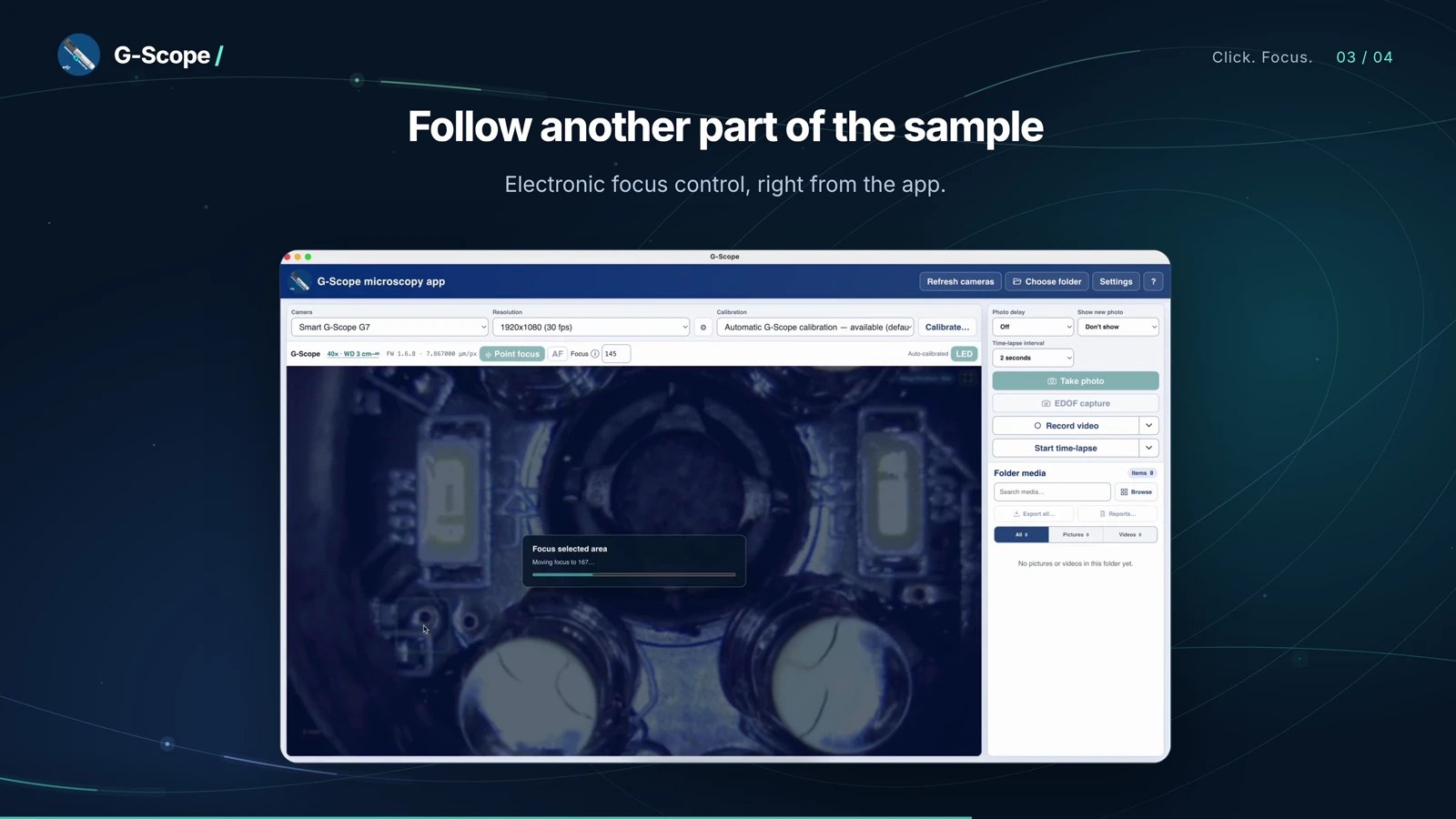
Focus on the detail you choose
Enable Point focus and click a detail in the live image. The liquid lens adjusts focus without moving the microscope or turning a focus wheel.
See it in action
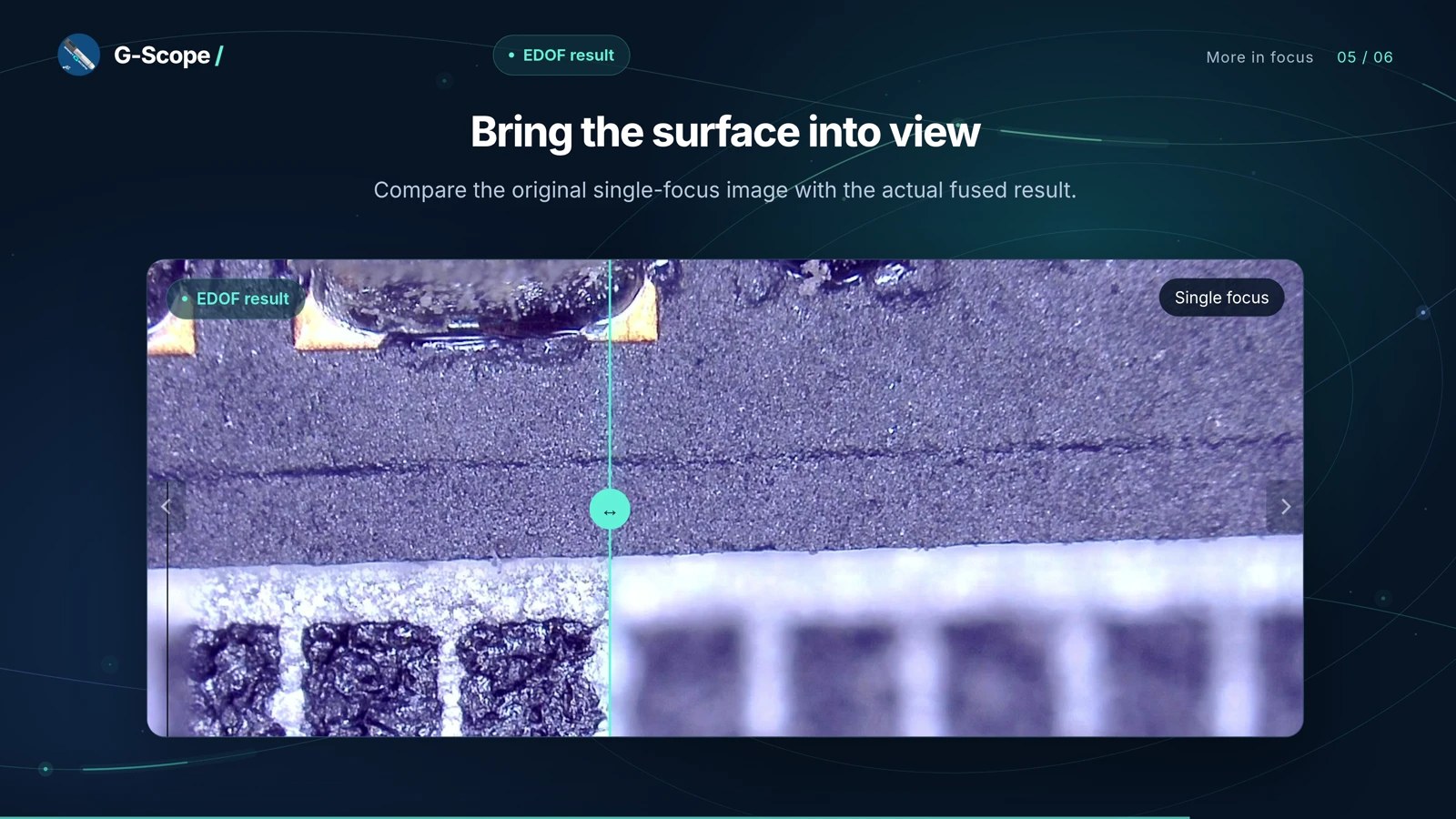
Extended depth of field, in action
Extended depth of field (EDOF) combines photographs taken at different focus positions into one image, revealing more of an uneven surface.
A complete microscopy workstation. Included.
Capture photos, measure distances and areas, combine focus layers, join images into a wider view and create PDF or PowerPoint reports.
G-Scope Desktop Pro unlocks automatically while your Smart G-Scope is connected. No extra license or subscription. Windows, macOS and Linux.
G-Scope Desktop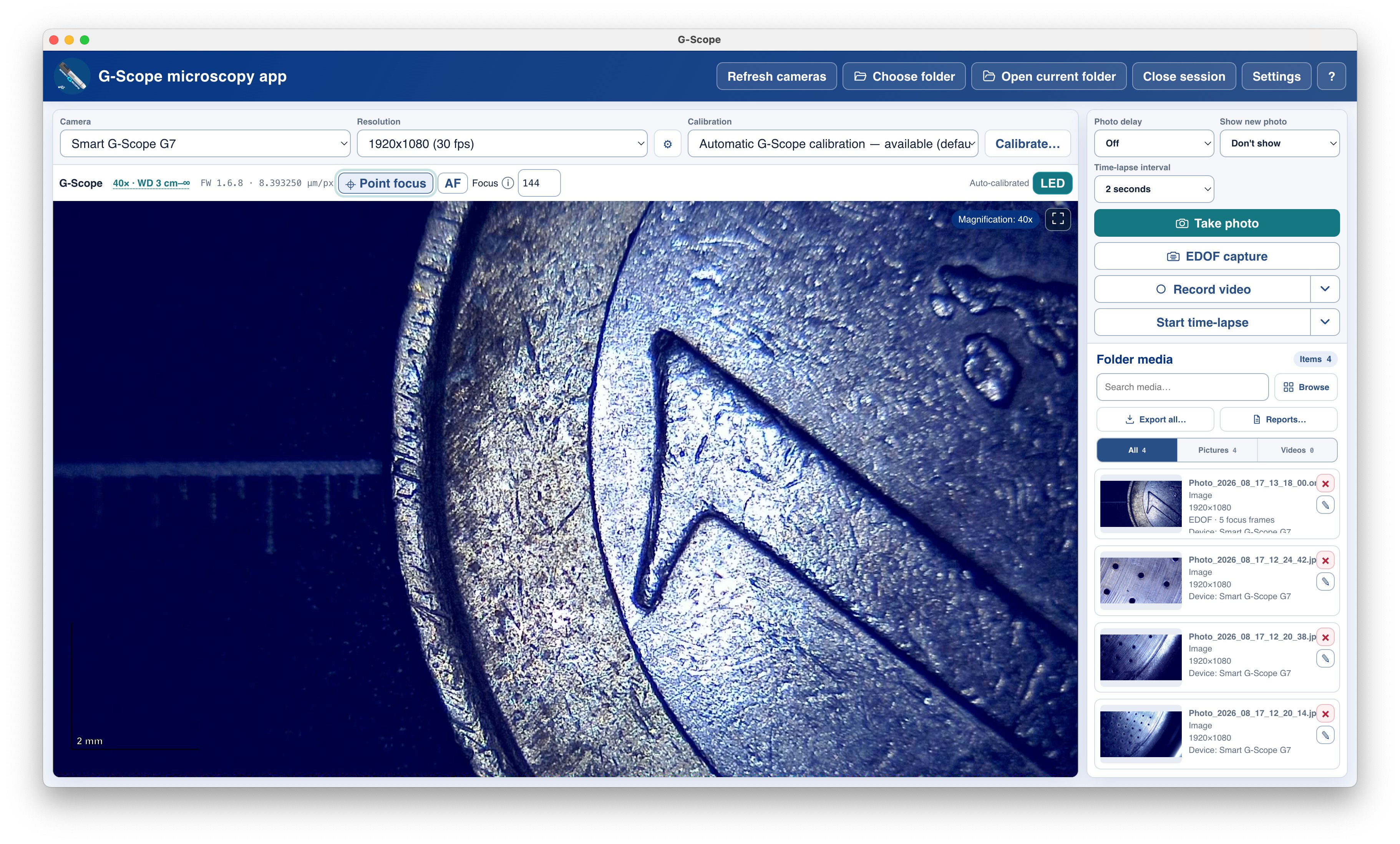
Inspect the actual images before you buy.
Real Smart G-Scope captures from our sample gallery. Open the original files at full resolution and judge the detail for your application.
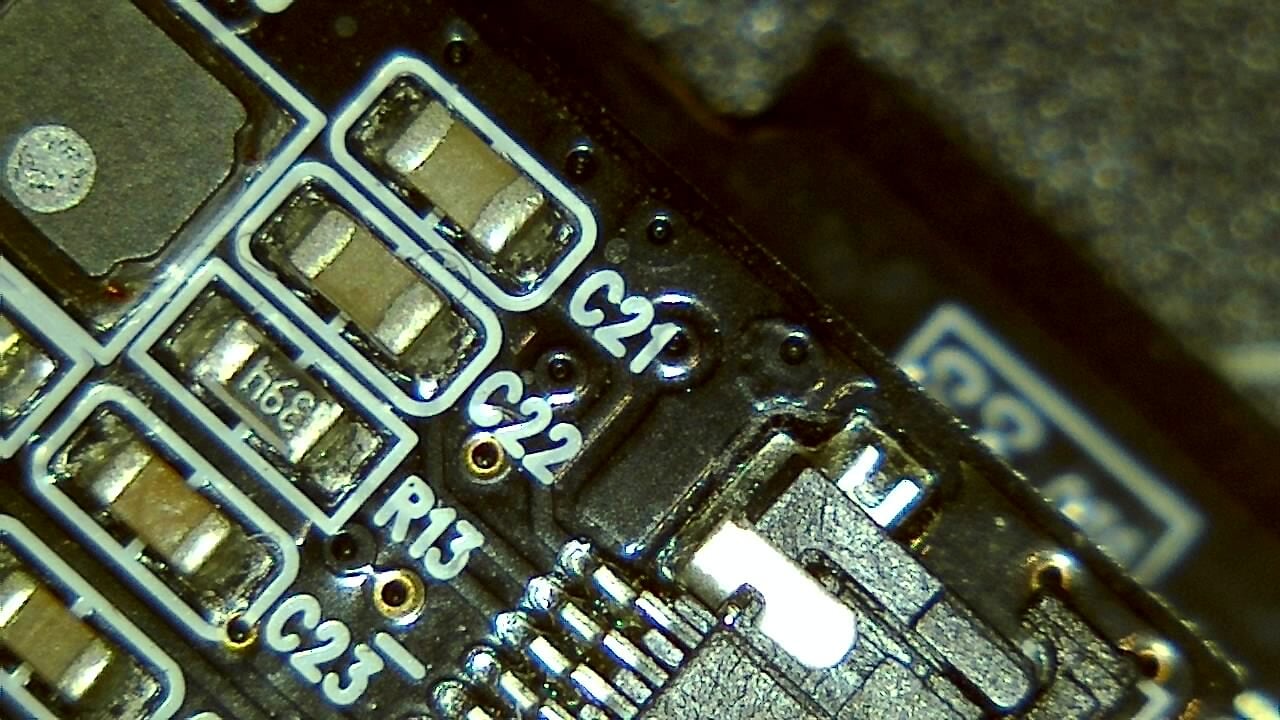
Electronics / PCB
Open original image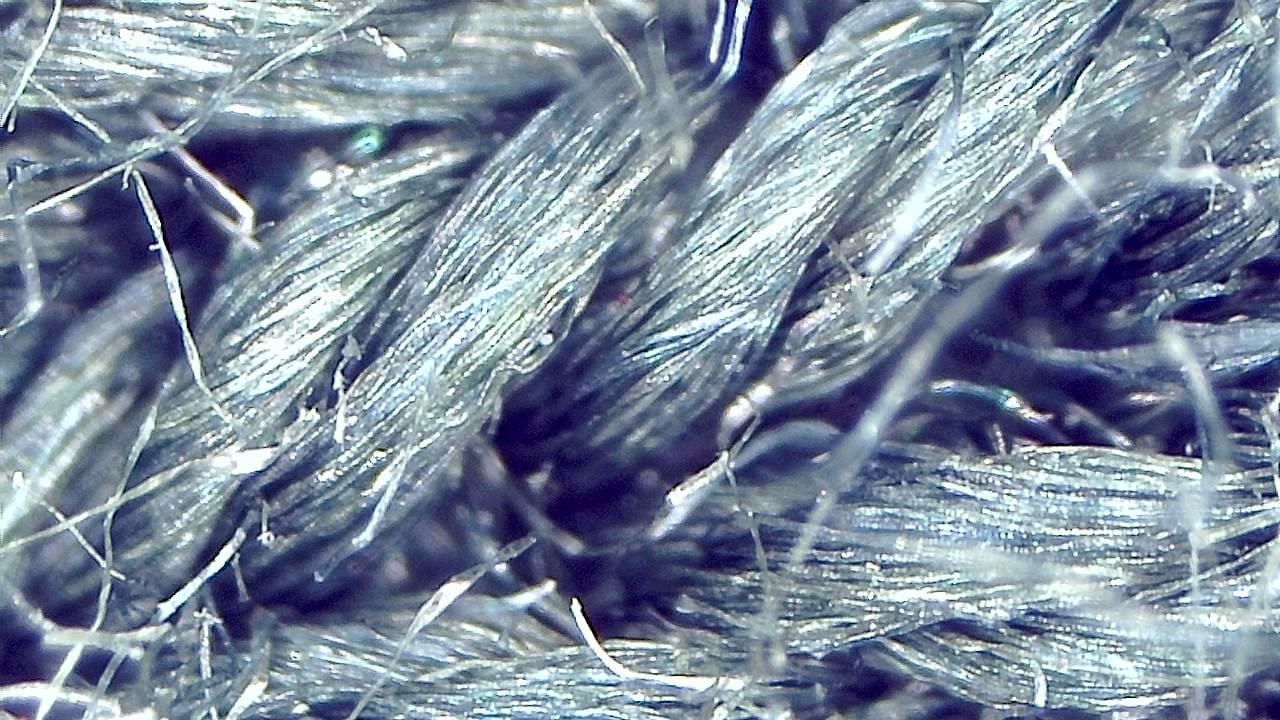
Textile fibres
Open original image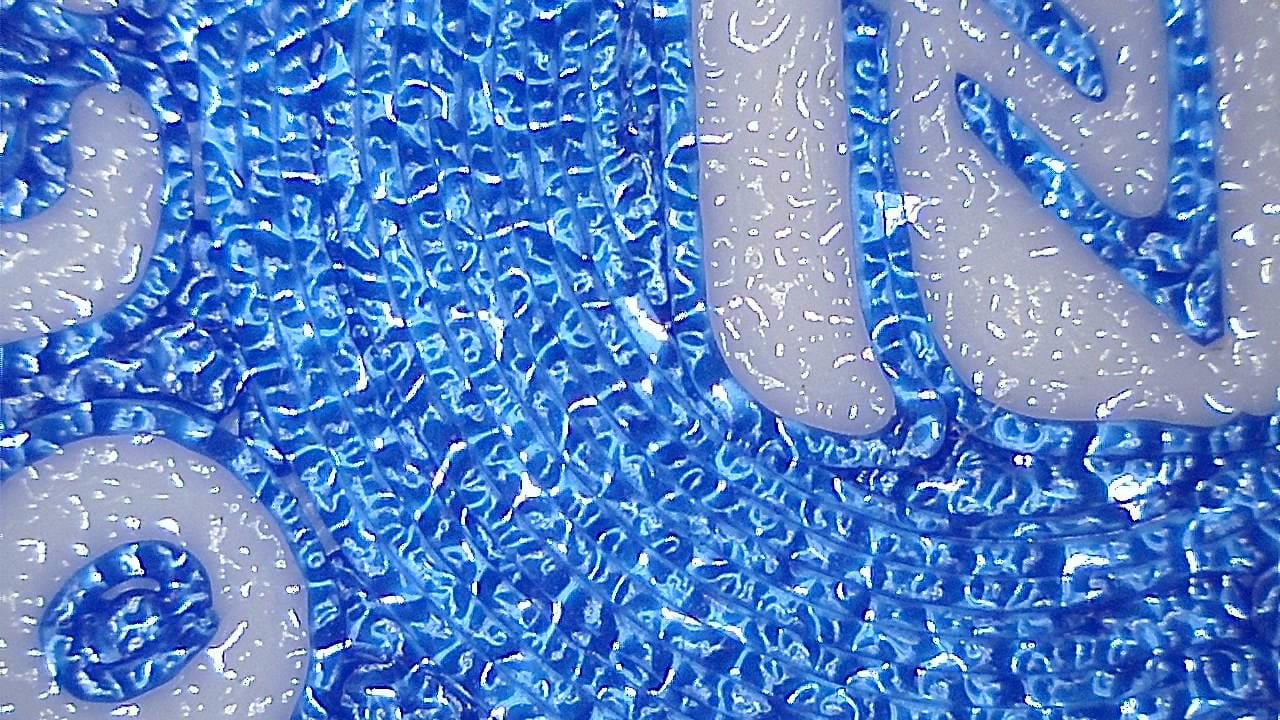
3D-printed surface
Open original imageExplore the specifications and features
The professional USB microscope that focuses for you.
G-Scope Desktop Pro unlocks automatically while your Smart G-Scope is connected. No extra license or subscription. Windows, macOS and Linux.