Smart G-Scope Android App
For Smart G-Scope only
The official Smart G-Scope application for Android: capture, view and analyze images with the Smart G-Scope microscope. It works only with Smart G-Scope hardware. For other USB microscopes, use G-Scope Desktop.
Android app (works only with Smart G-Scope). This Android app connects exclusively to the Smart G-Scope microscope. It cannot capture from other USB microscopes or webcams. Use G-Scope Desktop on Windows, macOS or Linux for those.
Using the microscope on a computer? G-Scope Desktop is our current application for Windows, macOS and Linux with calibration, measurements and reporting built in.
Try G-Scope DesktopAndroid
v2.4.0 • 8 MB
This Android app connects exclusively to the Smart G-Scope microscope. It cannot capture from other USB microscopes or webcams. Use G-Scope Desktop on Windows, macOS or Linux for those.
Software screenshots
A quick look at the interface and key tools.
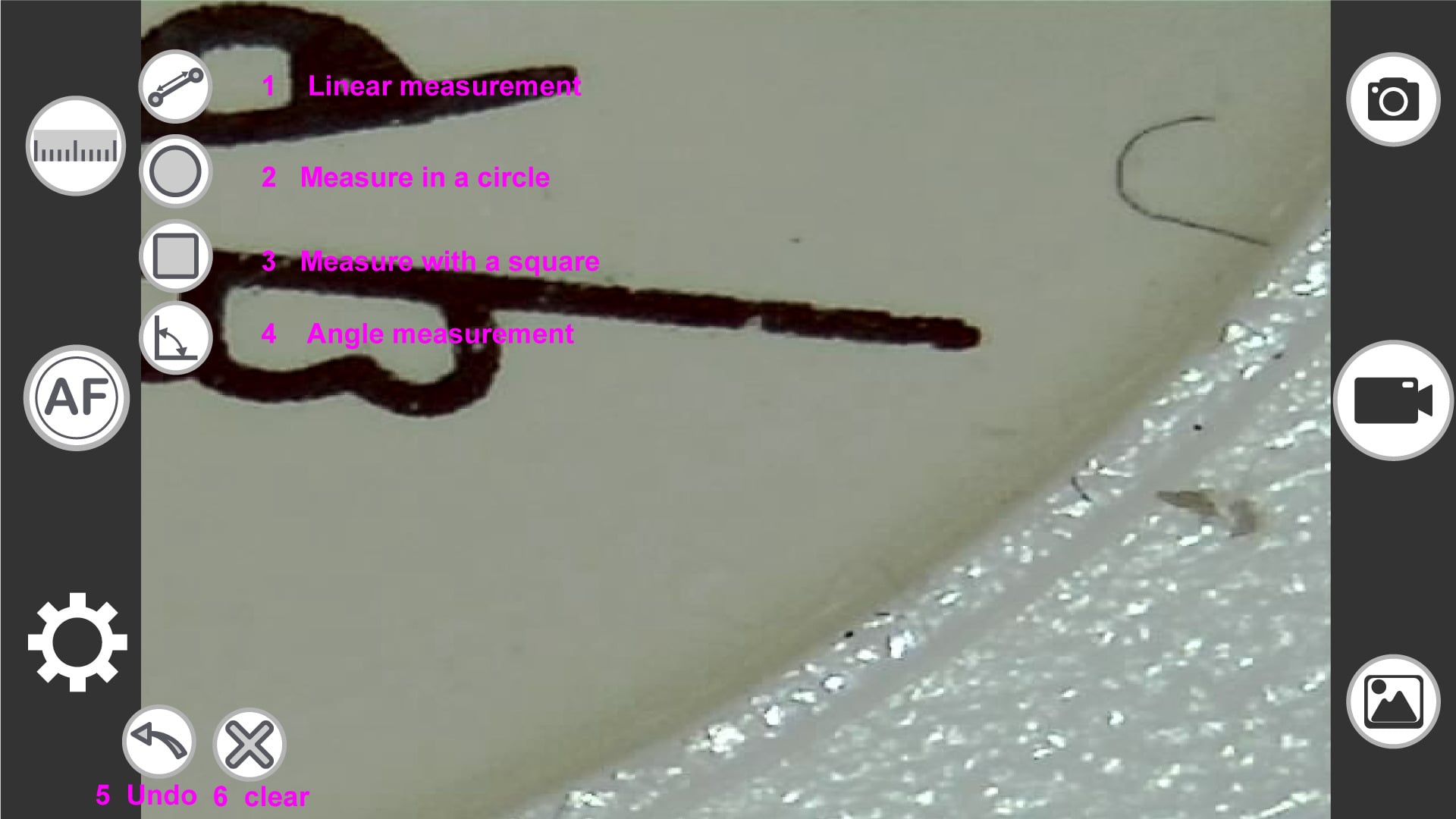
Click any image to enlarge.
Key features
Everything you need to get the most out of Smart G-Scope
Image & video capture
Full HD (1920×1080) photos and 30fps video with manual controls
Measurement tool
Calibrated measurements on images with multiple units
Annotations & markers
Add text, arrows and shapes on your captures
Image comparison
Side-by-side view for follow-up and monitoring
Professional control
Control the device directly from the software
Image adjustments
Brightness, contrast, saturation, white balance
System requirements
Make sure your device meets the minimum requirements
Android
- Operating system
- Android 6.0 (Marshmallow) or later
- Port
- USB-C with OTG support
- RAM
- 2 GB minimum
- Storage
- 8 MB
Quick installation guide
- 1Install the app from Google Play
- 2Connect Smart G-Scope to a USB-C port with OTG support
- 3Open the app and start using the device
Security & privacy
Smart G-Scope software is digitally signed and contains no ads or tracking. All data is processed locally on your device. We comply with GDPR and do not collect personal information.
View privacy policy →